Computers don’t sleep at night anymore
MyLocal stops the dev servers left running all night.
Windows version in the works
Download for MacFree · Apple silicon · macOS 13 or later
 MyLocalCleaning up soon
Try it: the buttons work
If the computer stays awake, the servers stay open
- AI agents working overnight
- Keep-awake apps
- Lid closed, external display
When a new server appears
- Checks every 30 s
- 10 min wait
- Warning
- 5 min
- Stopped
Who can reach the server you left running?
127.0.0.1:5173Only your computerViteDjango0.0.0.0:8080Anyone on the Wi-FiSpring Bootdocker run -pvite --hostWhat MyLocal does through the day
- Heads-up
- Snooze 15 min, 1 h, 2 h
- Up to 3 times
- Cleanup
- The way each was started
- New server, working late
- Warned after 10 min
- Can snooze
- New server from an agent
- Stopped 5 min after warning
- Morning
- Nothing started again
On nights you close the lid
- Lid closed
- Cleanup before sleep
- Asleep
- Awake
- Checks again, stops
It looks at what started the server
Stop only the server and whatever started it may bring it back.
Terminal, AI agent
Terminal · Claude Code · CodexLeft runningnode :5173Stoppednodemon
nodemonStoppedstarts it againnode :3000Stoppedbrew services
launchd (macOS)Left runningstarts it againpostgresql serviceStoppedDocker
Docker Desktop · OrbStack · ColimaLeft runningcontainer :5432StoppedIDE
IntelliJ IDEALeft runningjava :8080Stoppedpm2, supervisord
pm2 · supervisordLeft runningstarts it againapp :4000Stopped
What must keep running is never touched
No root, only your account’s permissions
- macOS system
- Other users’ programs
- Programs run as root
- MyLocal app and daemon
- Docker Desktop, OrbStack, Colima
- Servers and containers you started
- No administrator password
- The daemon runs as you too
- sudo changes no settings
Checked once more right before stopping
PID 48213started 18:02- Now
PID 48213started 18:02Same program → stopped - Now
PID 48213started 21:47Another program → left alone
Only a record until you turn it on
- Install
- Records only, stops nothing
- Stops for real
What it does not do
- Its job
- A security product
- Vulnerability scanning
- Finding
- UDP
- Outgoing connections
- Tunnels
- Unknown tools
- Closing automatically
- Stopping
- supervisord with a password
- pm2 cluster sharing a port
- Devices
- Intel Macs
- Windows, Linux
Is that open server on an unsupported version?
It only shows you. It never makes MyLocal stop a server.
mylocal show :8080 --json- 2.4.1Security advisoriesRed, boldYouWhat does it mean?AI agent
- An advisory that certain requests can crash the server.
- Fixed in 2.4.2.
- 2.4.1Support endedRedYouWhat do I upgrade to?AI agent
- Support ended in March 2026.
- Check the official page for new versions.
- 2.4.1New patchYellowYouWhich patch?AI agent
- The latest patch is 2.4.9.
What the app handles stays on this computer
- Ports and processes
- Command lines (secrets hidden)
- Settings and rules
- Activity log (90 days by default)
- Versions, tunnel addresses (not stored)
- Usage statistics
- Crash reports
- Ads
- Process and server information
- Updates: once a day
- Support data, advisories: checked hourly
- Your programs are never sent
- Turn it off in General
A tour of the app
The real app screens, with example data.
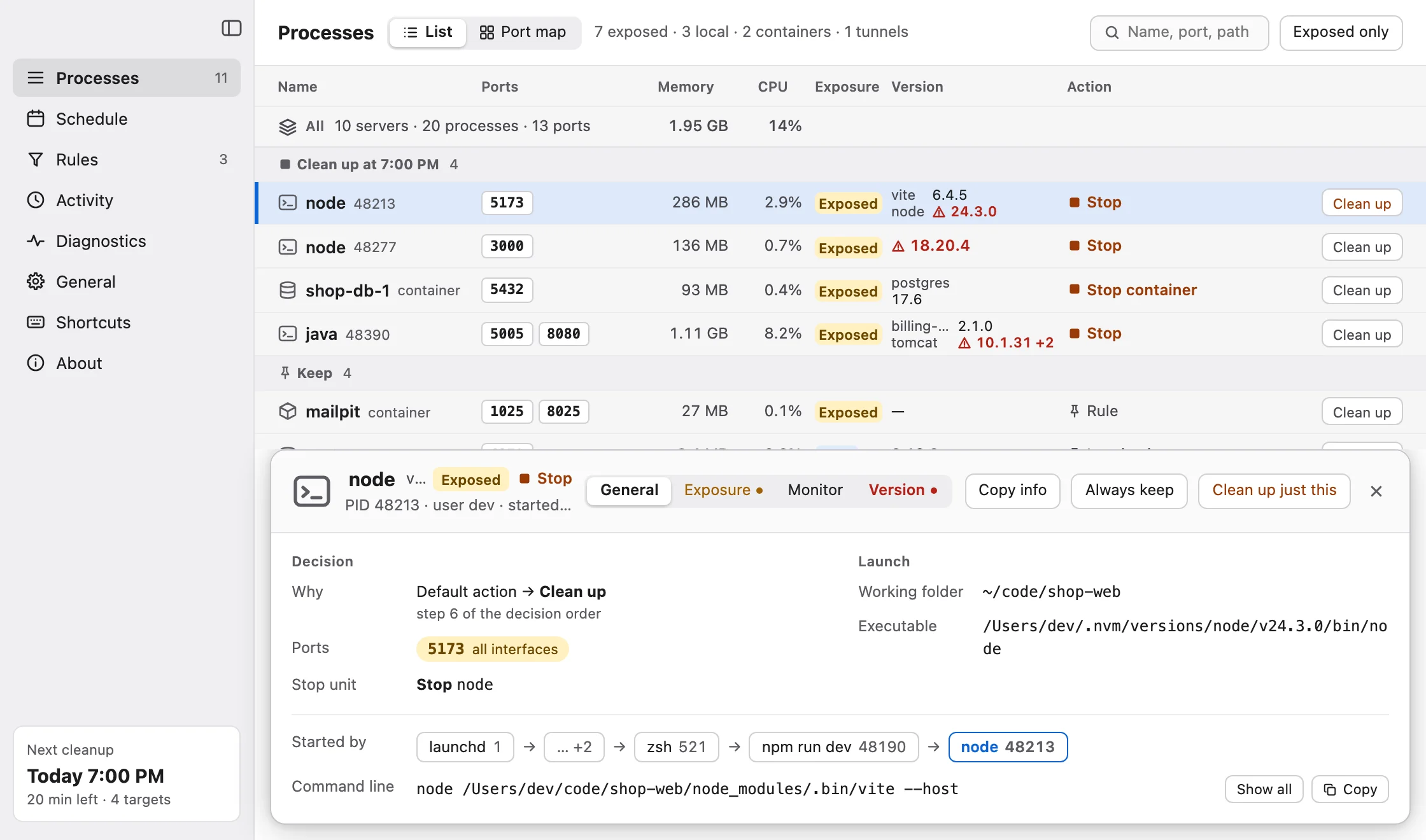
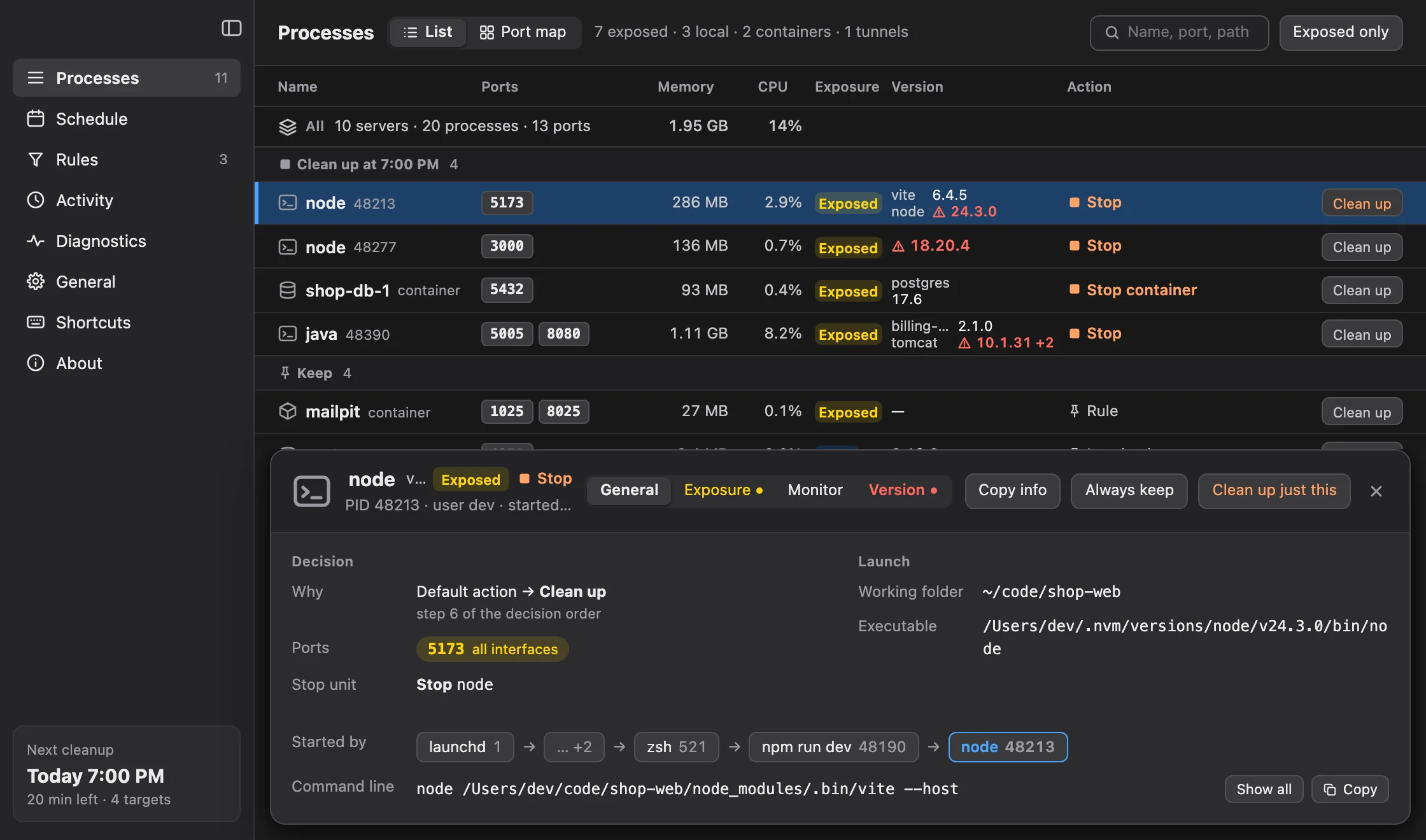
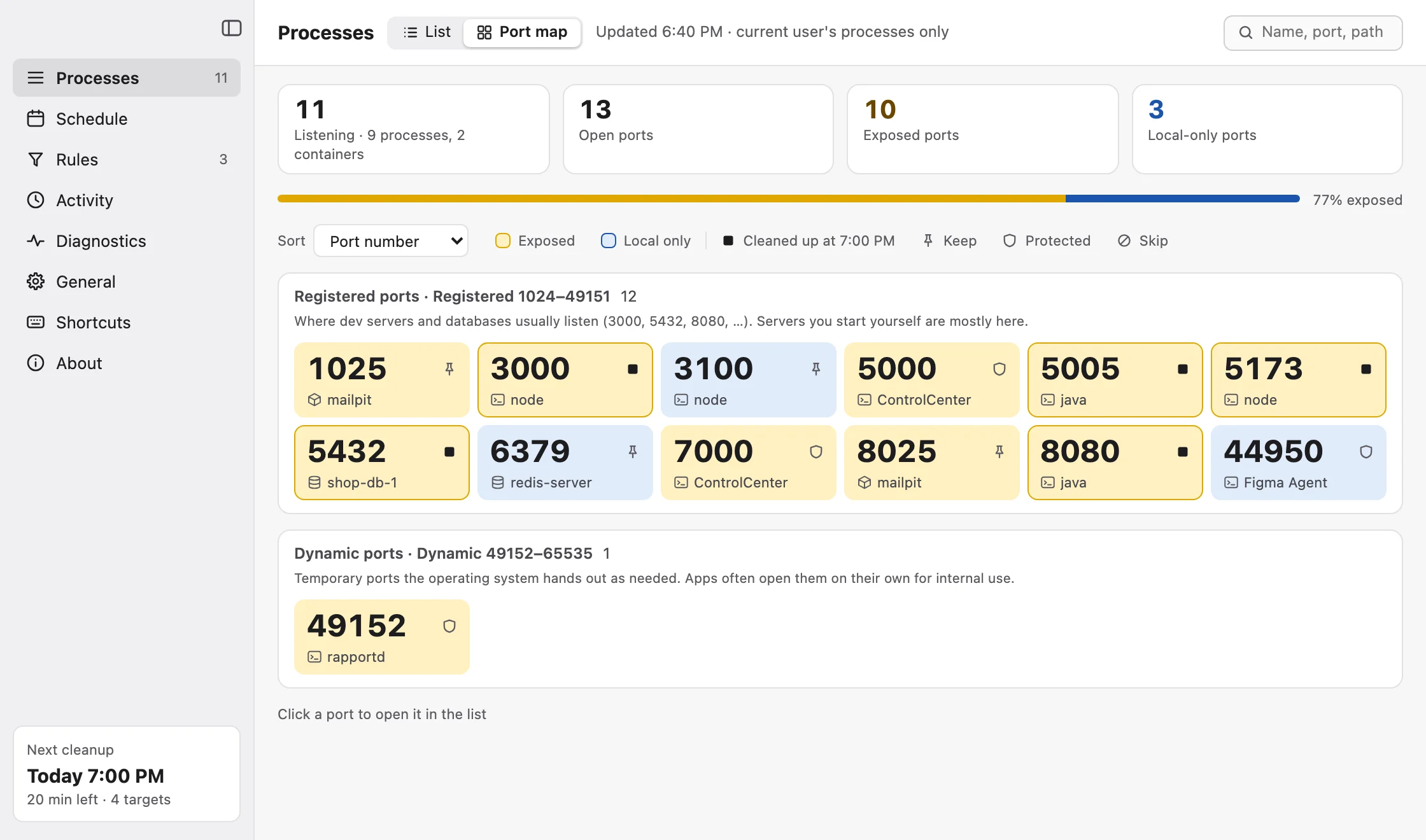
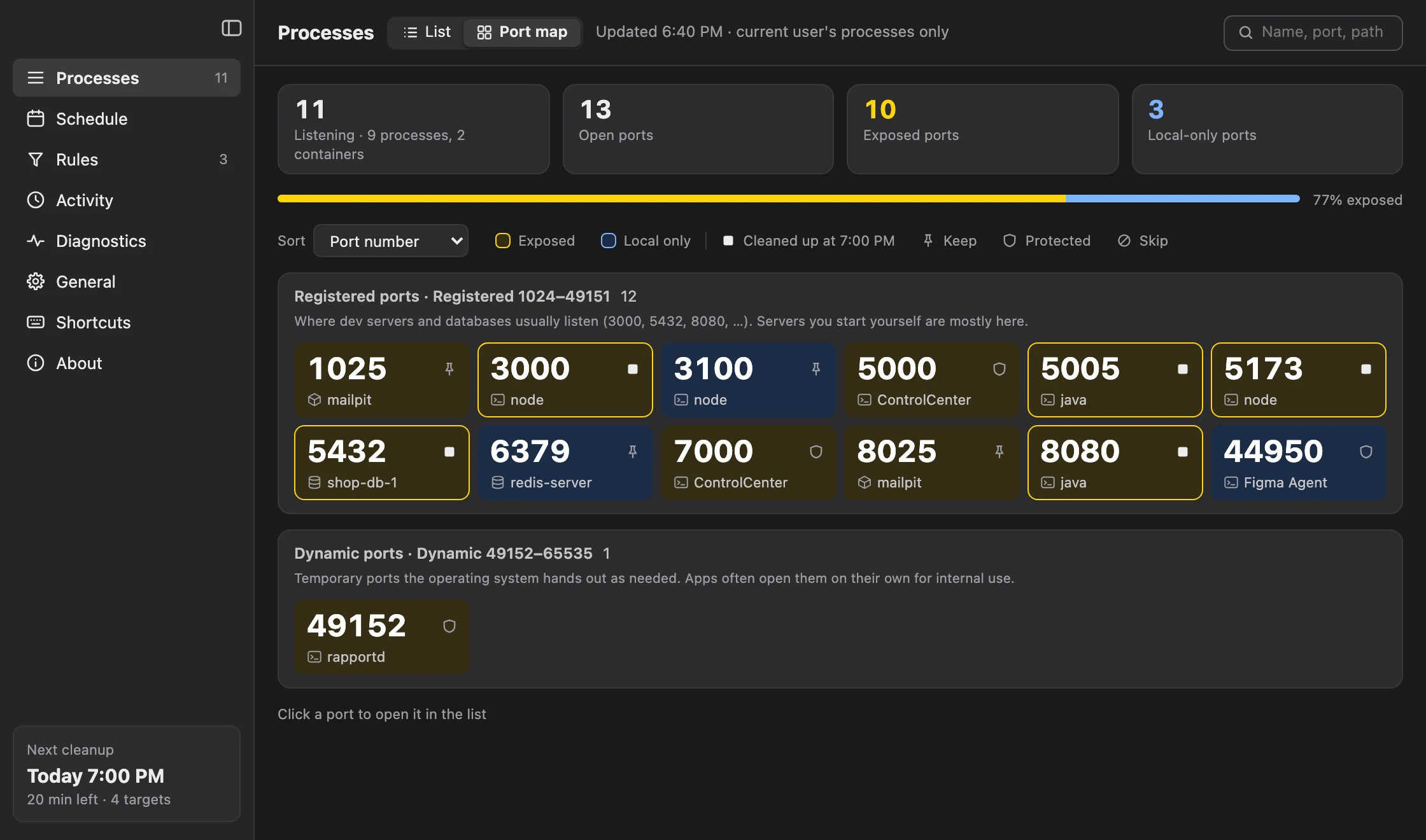
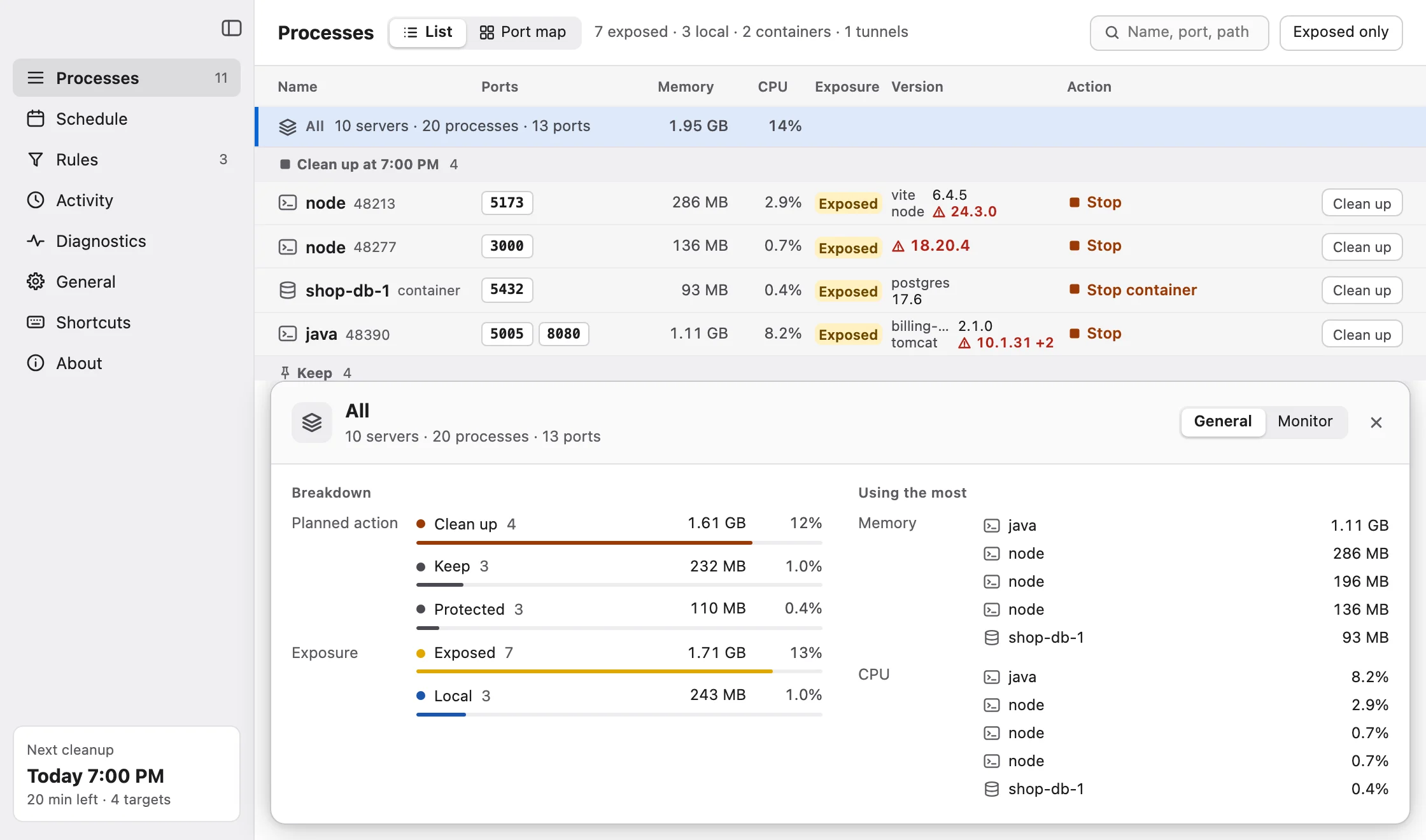
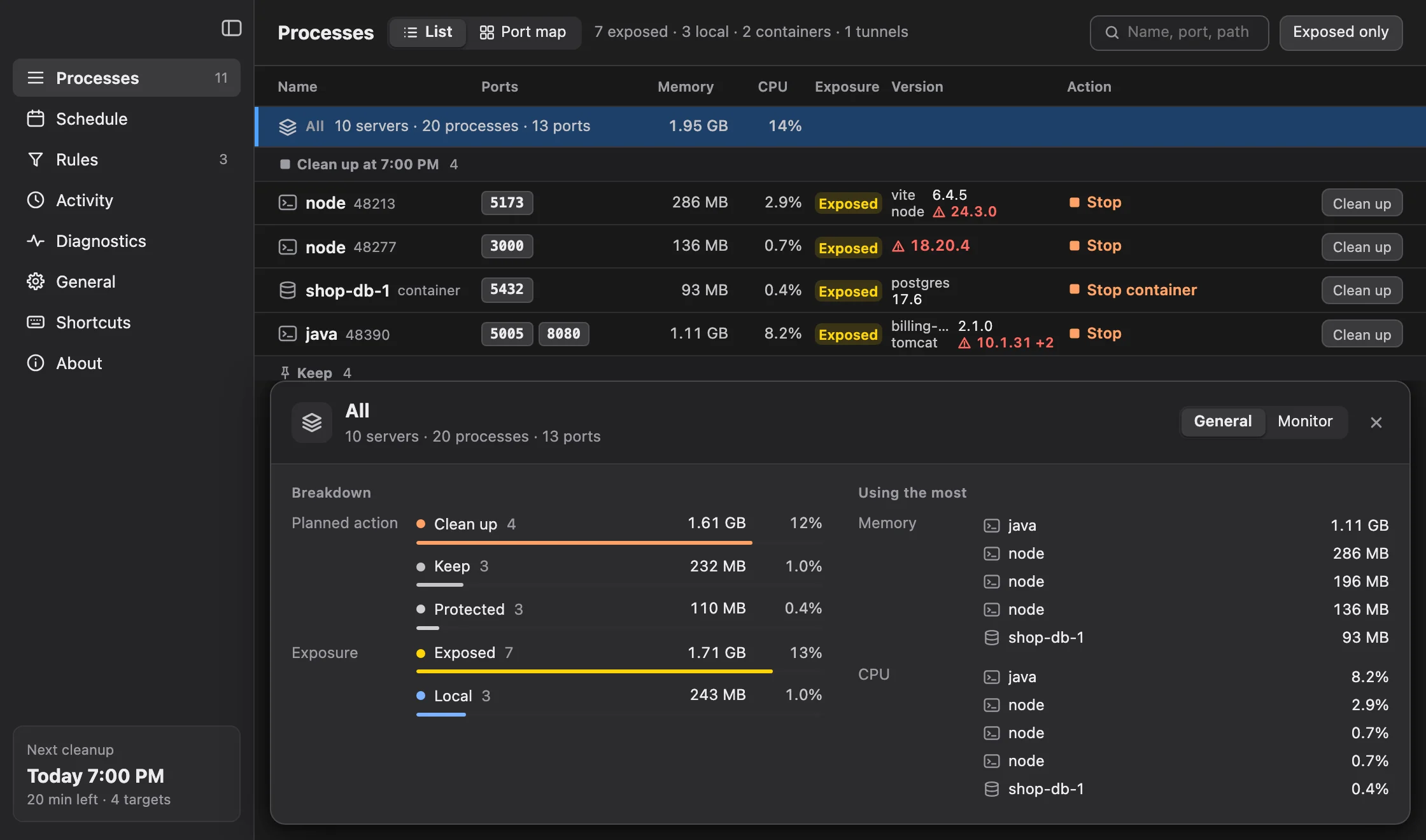
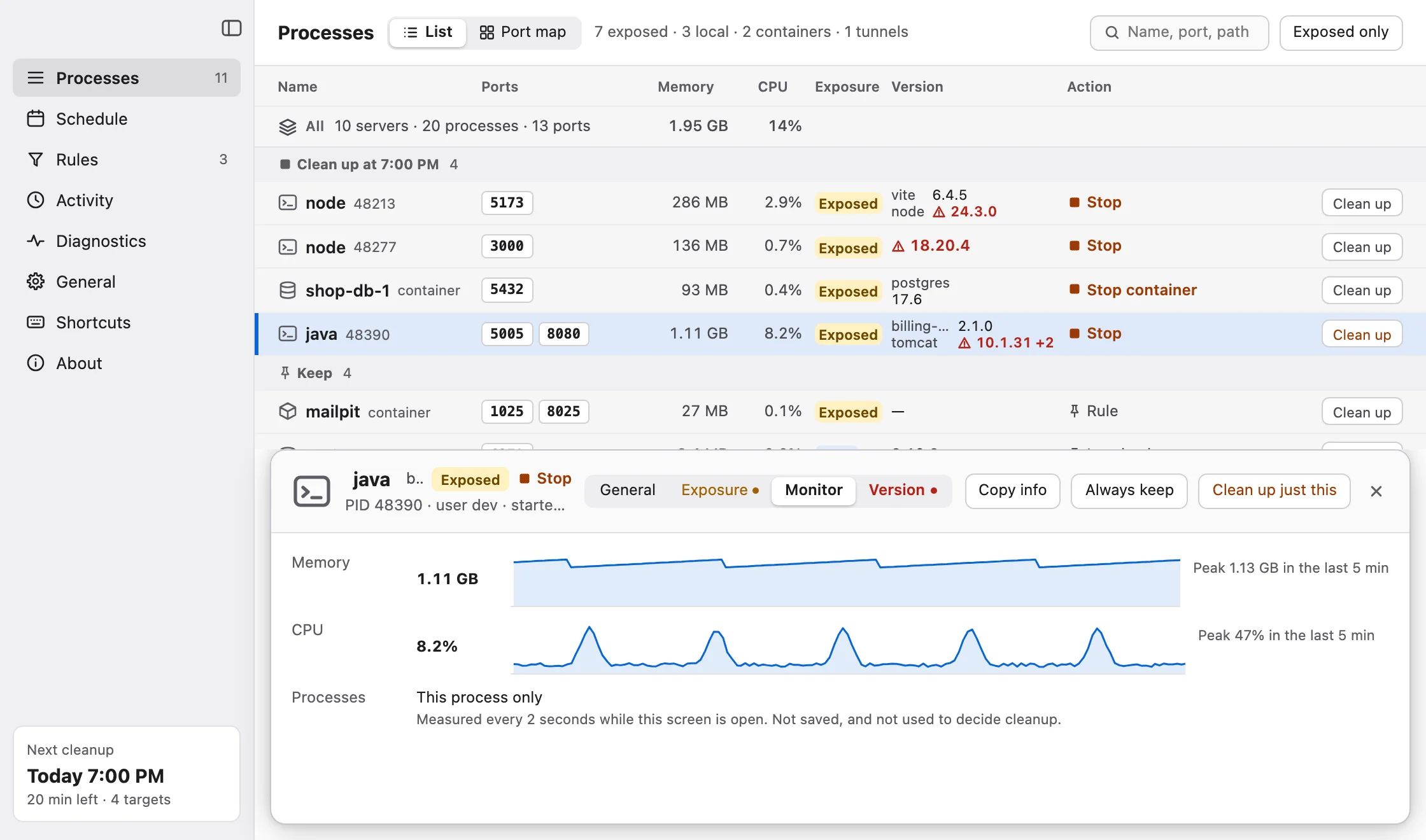
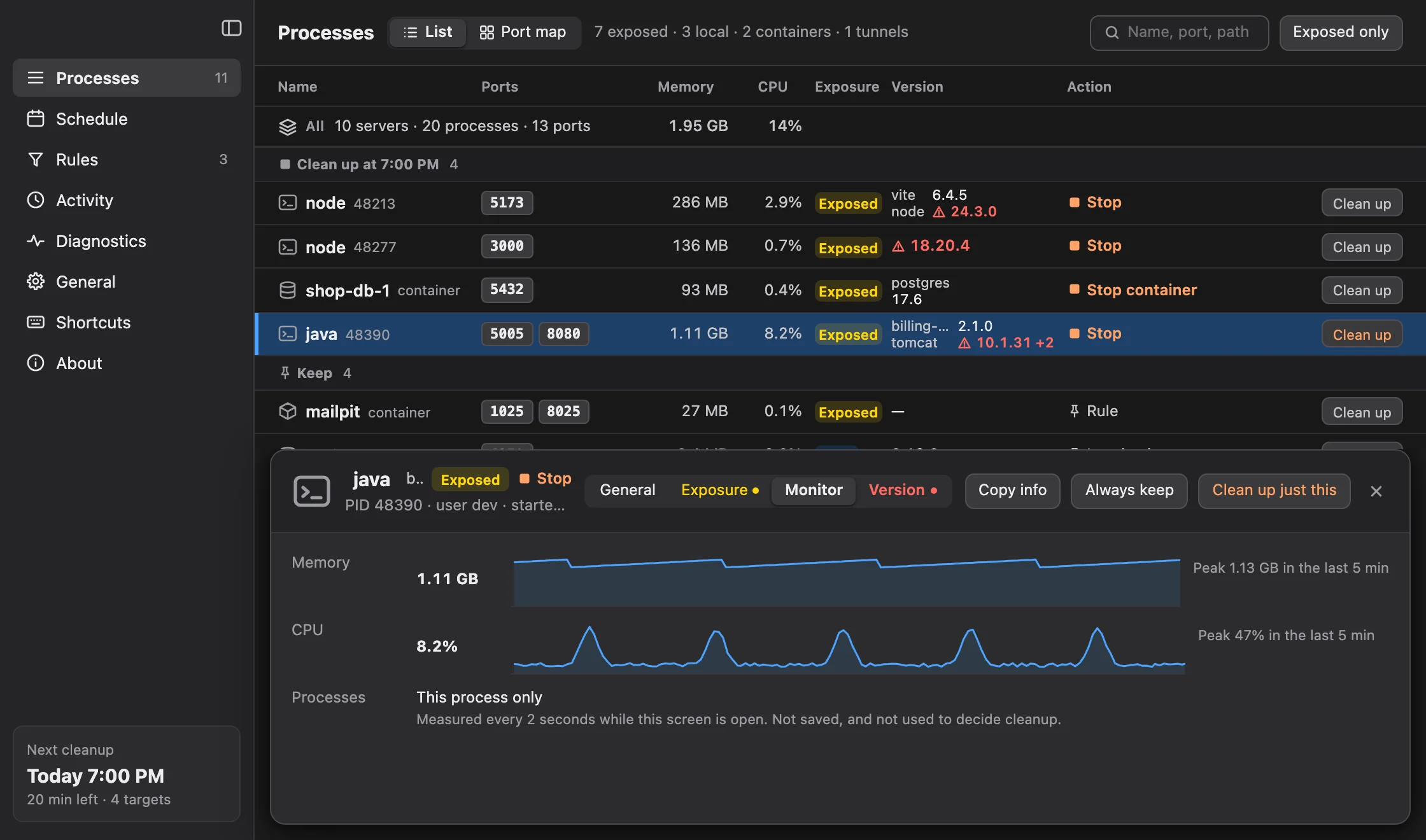
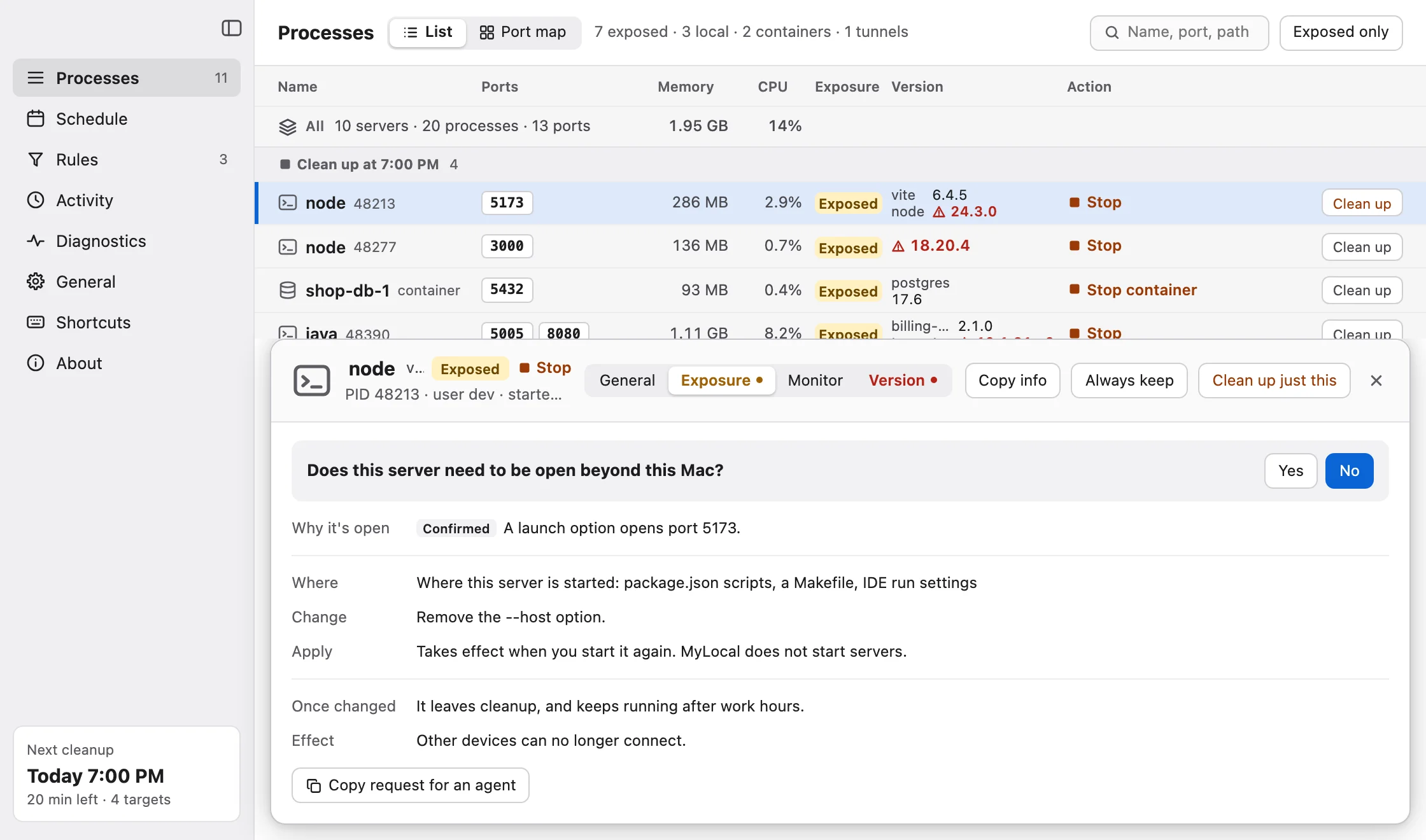
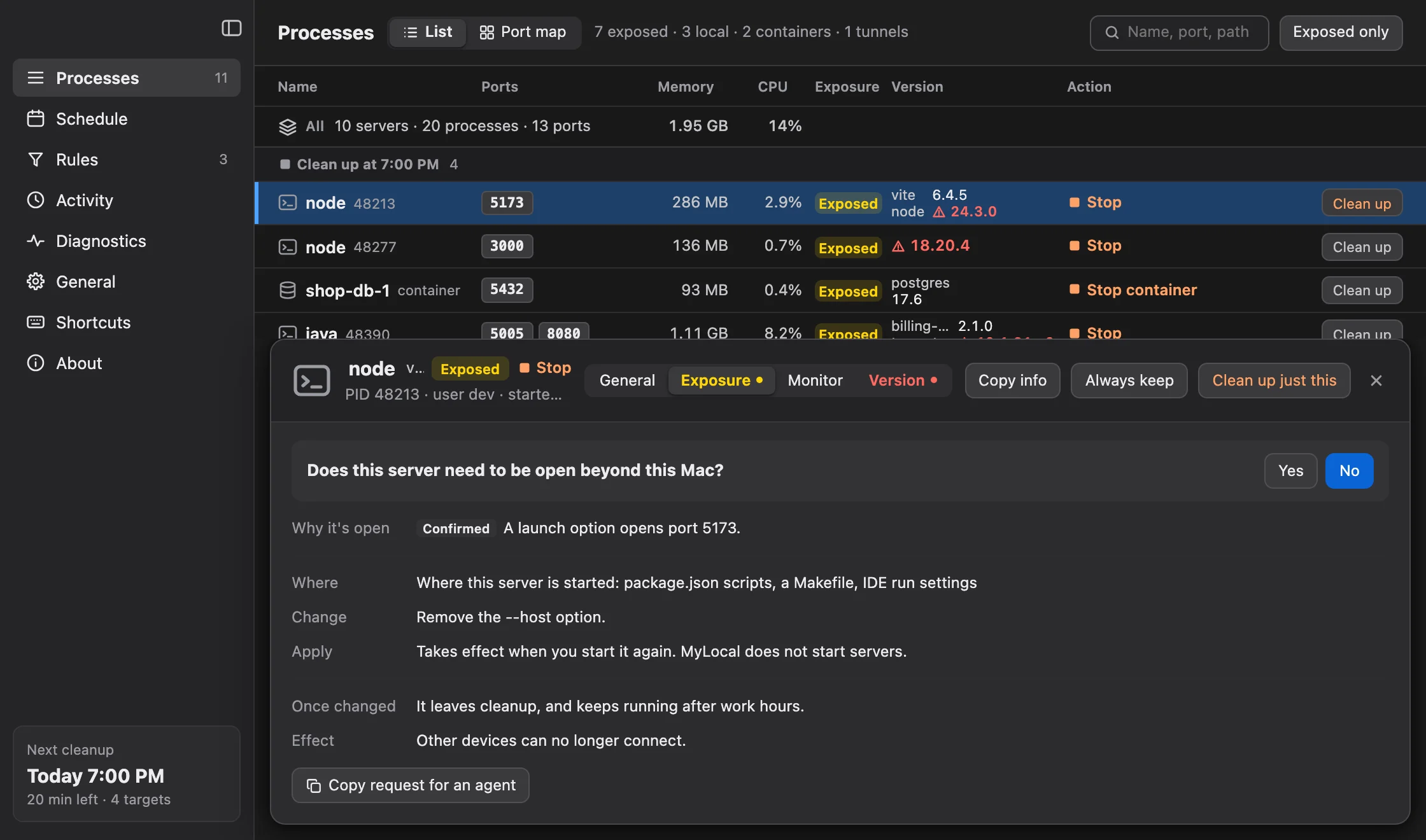
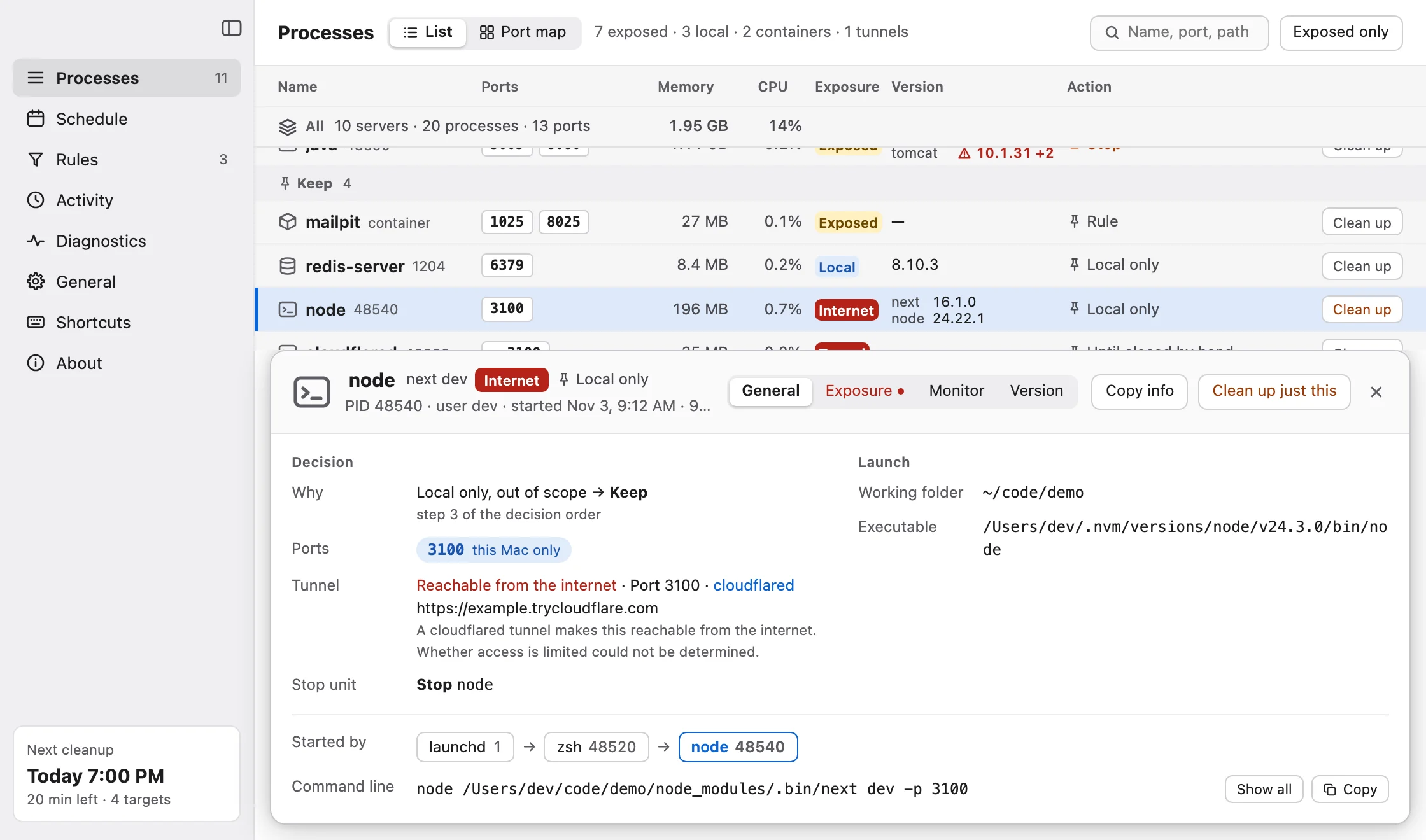
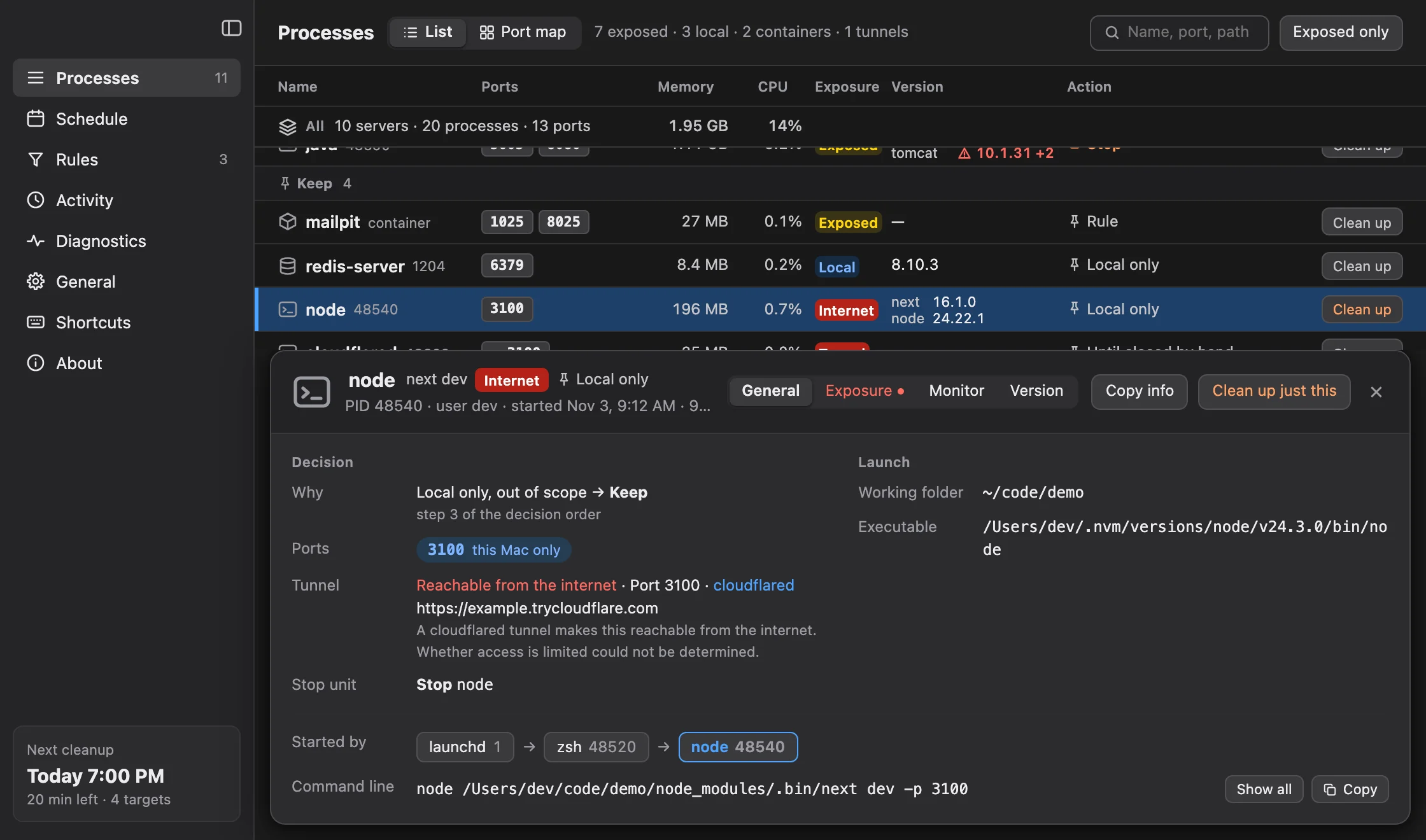
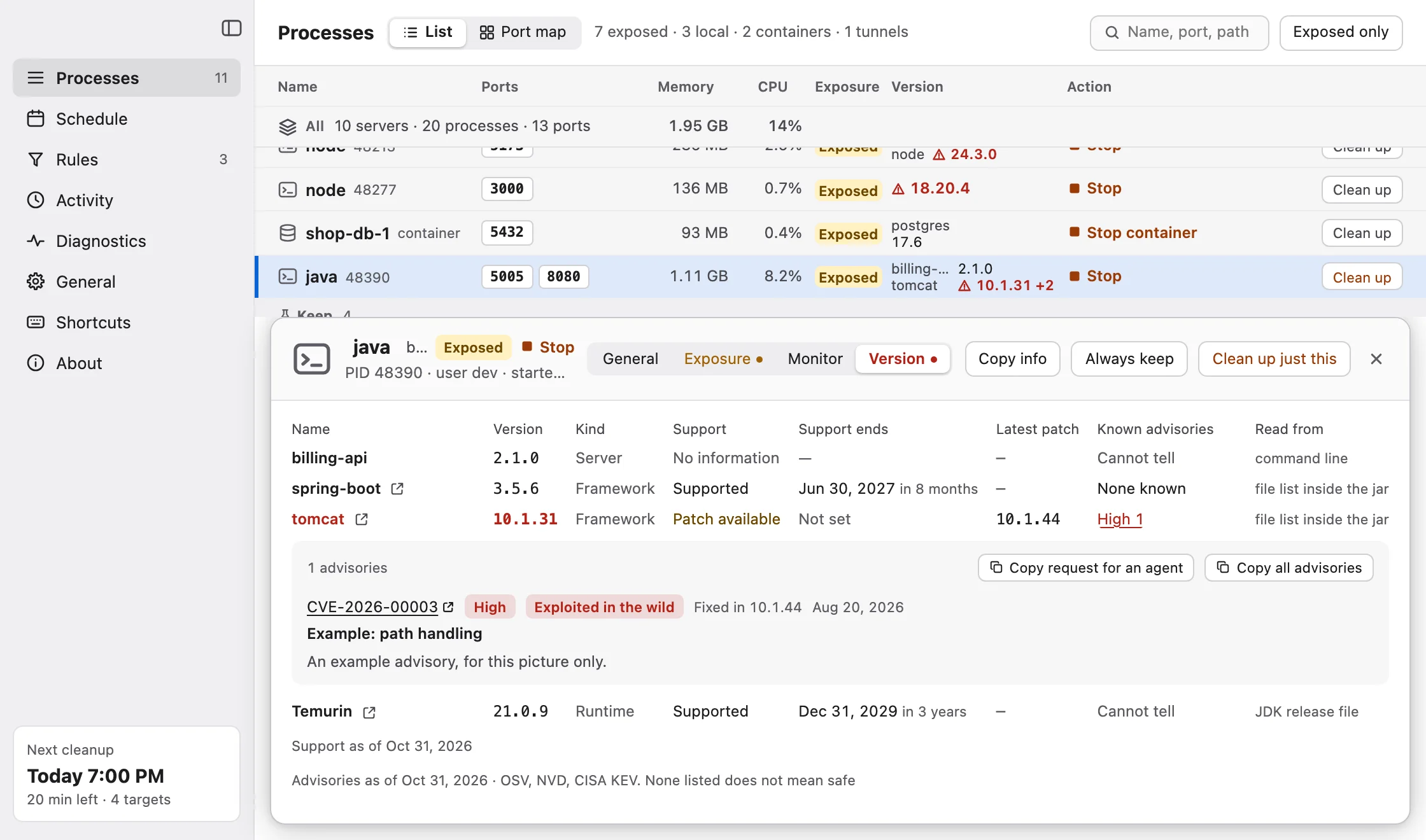
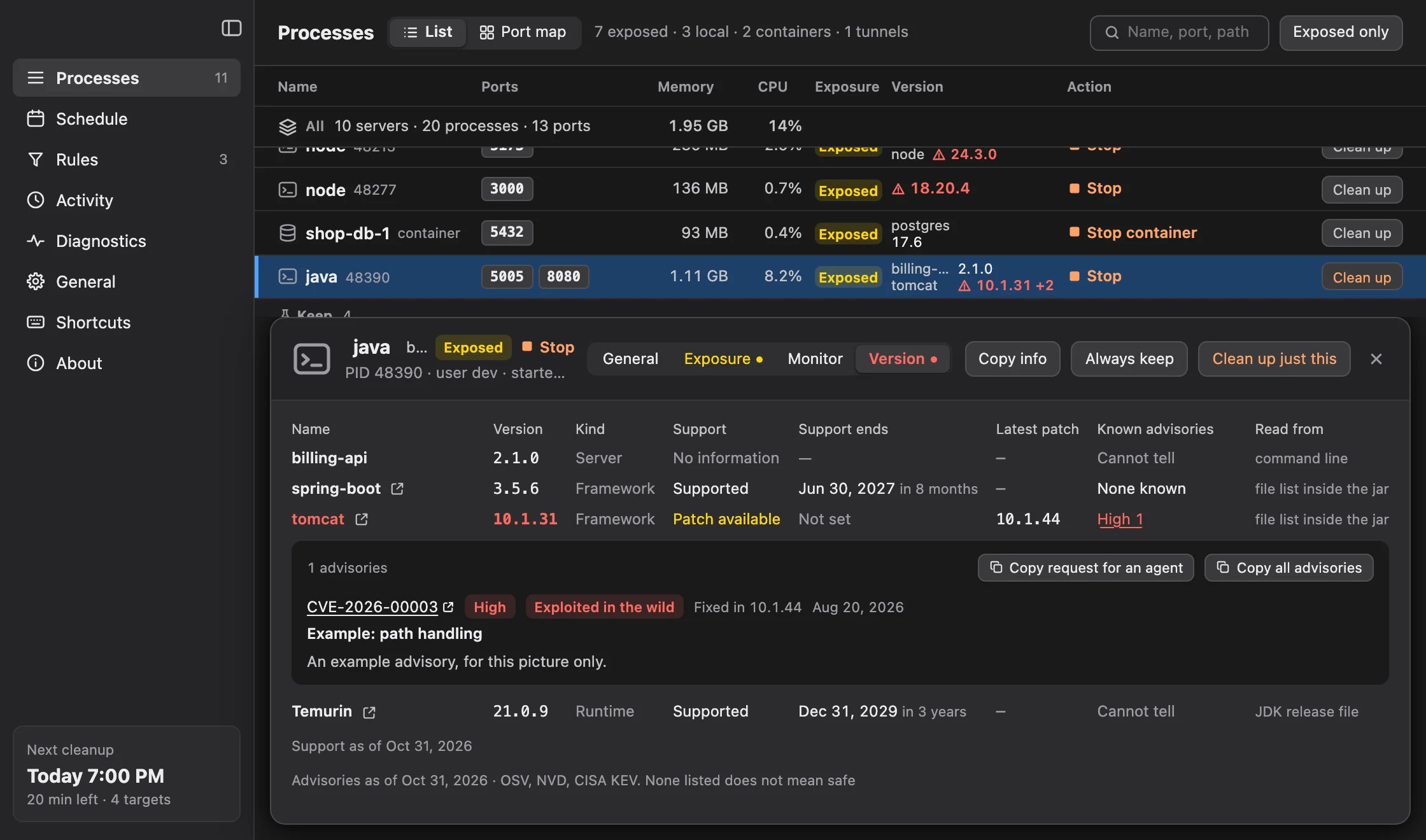
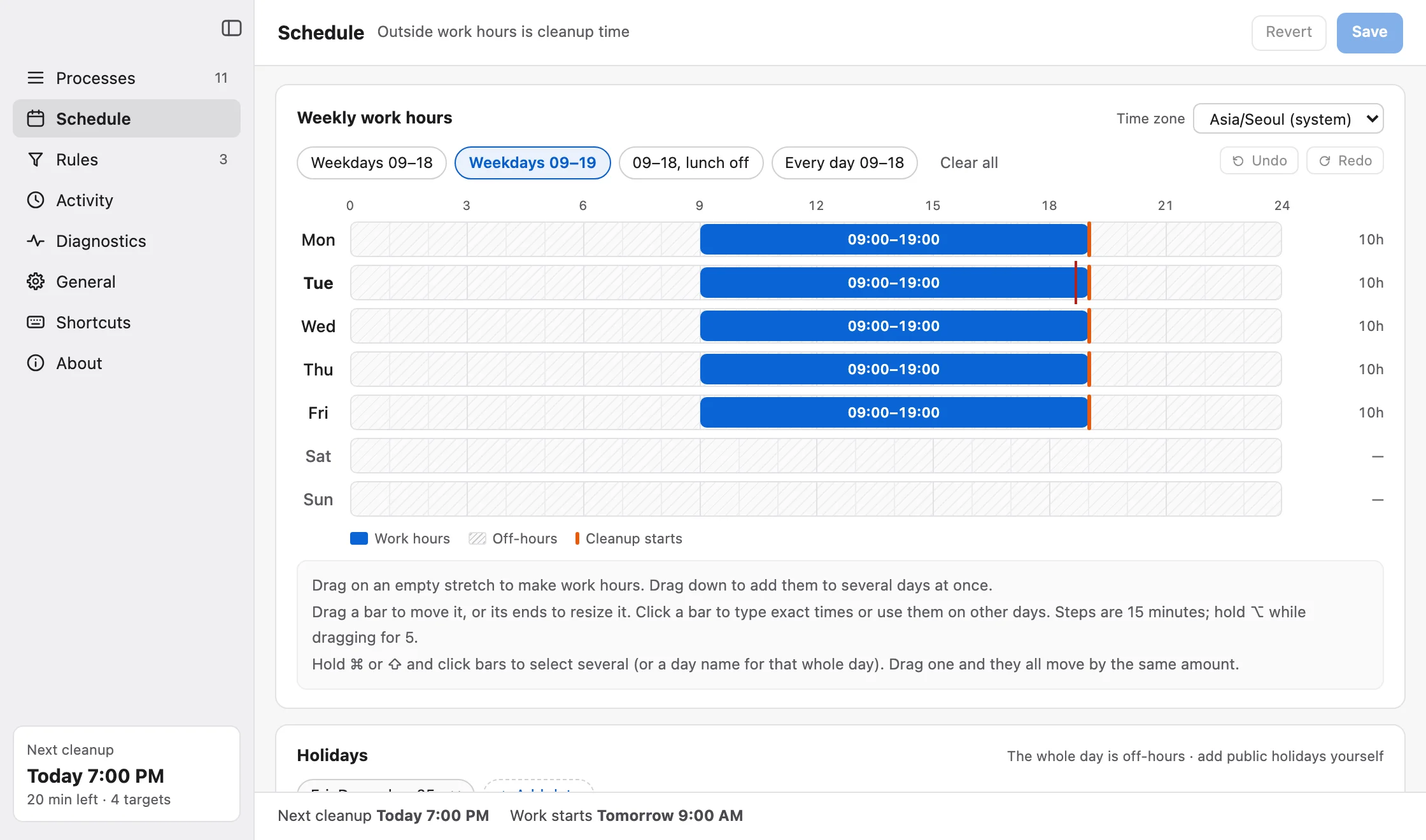
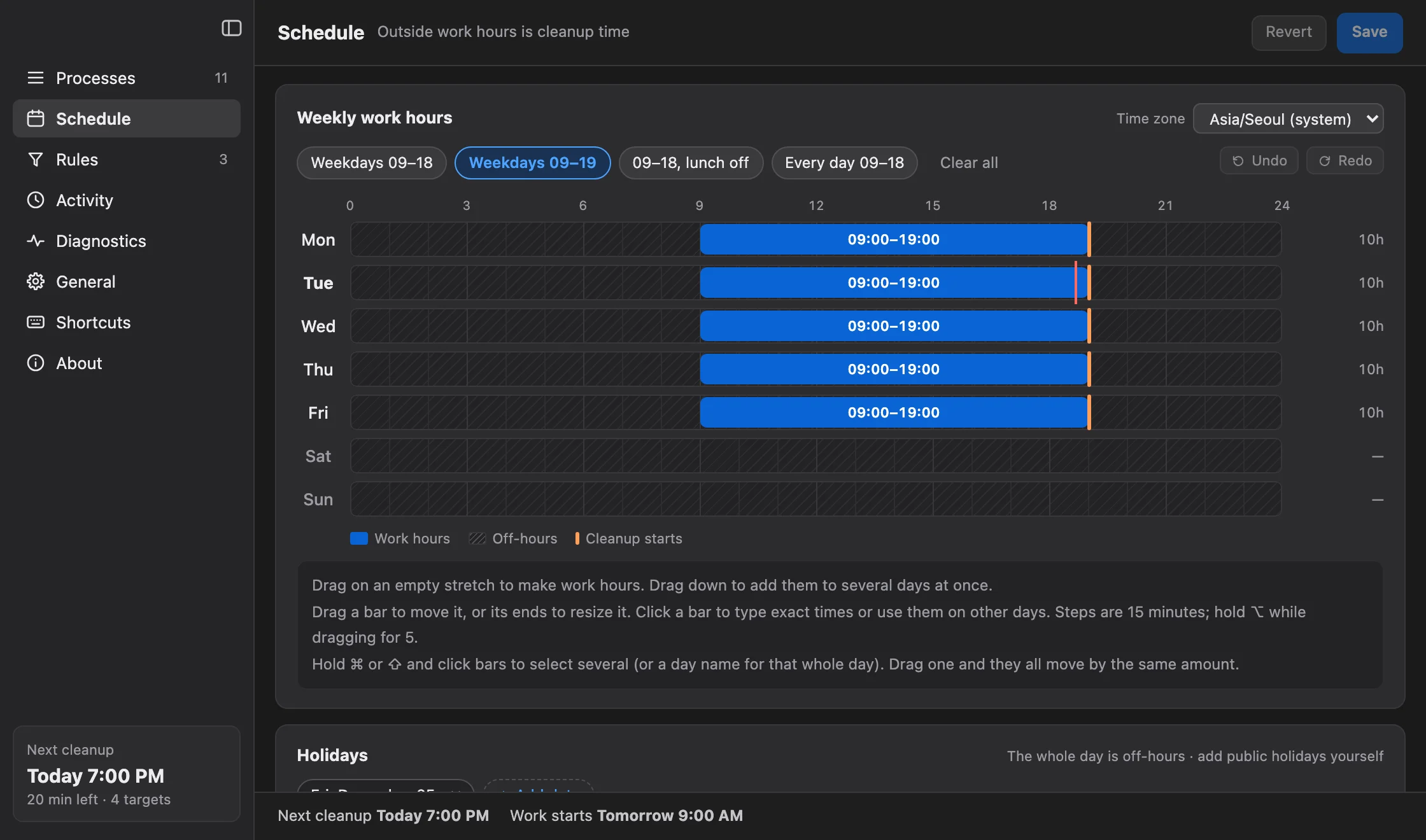
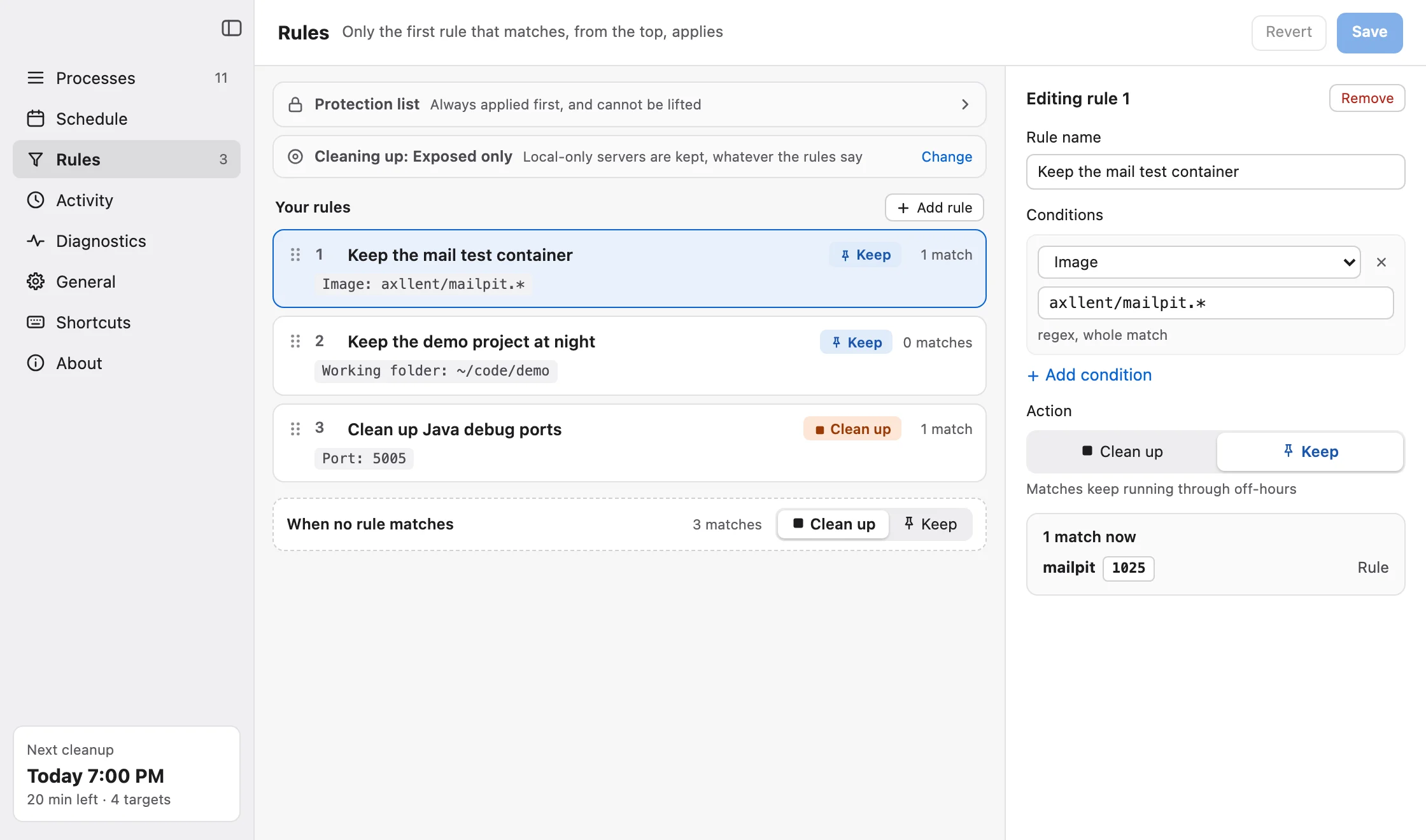
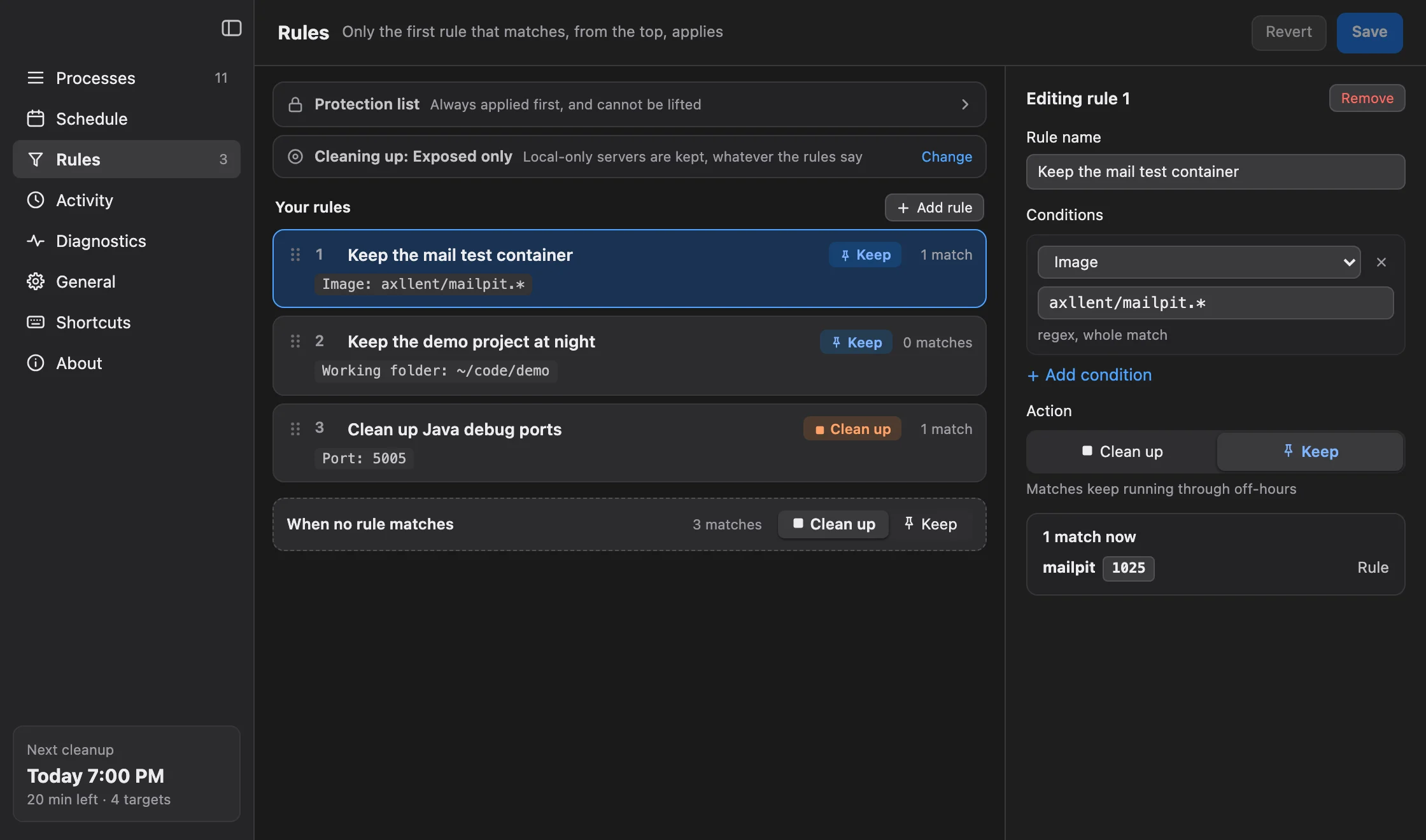
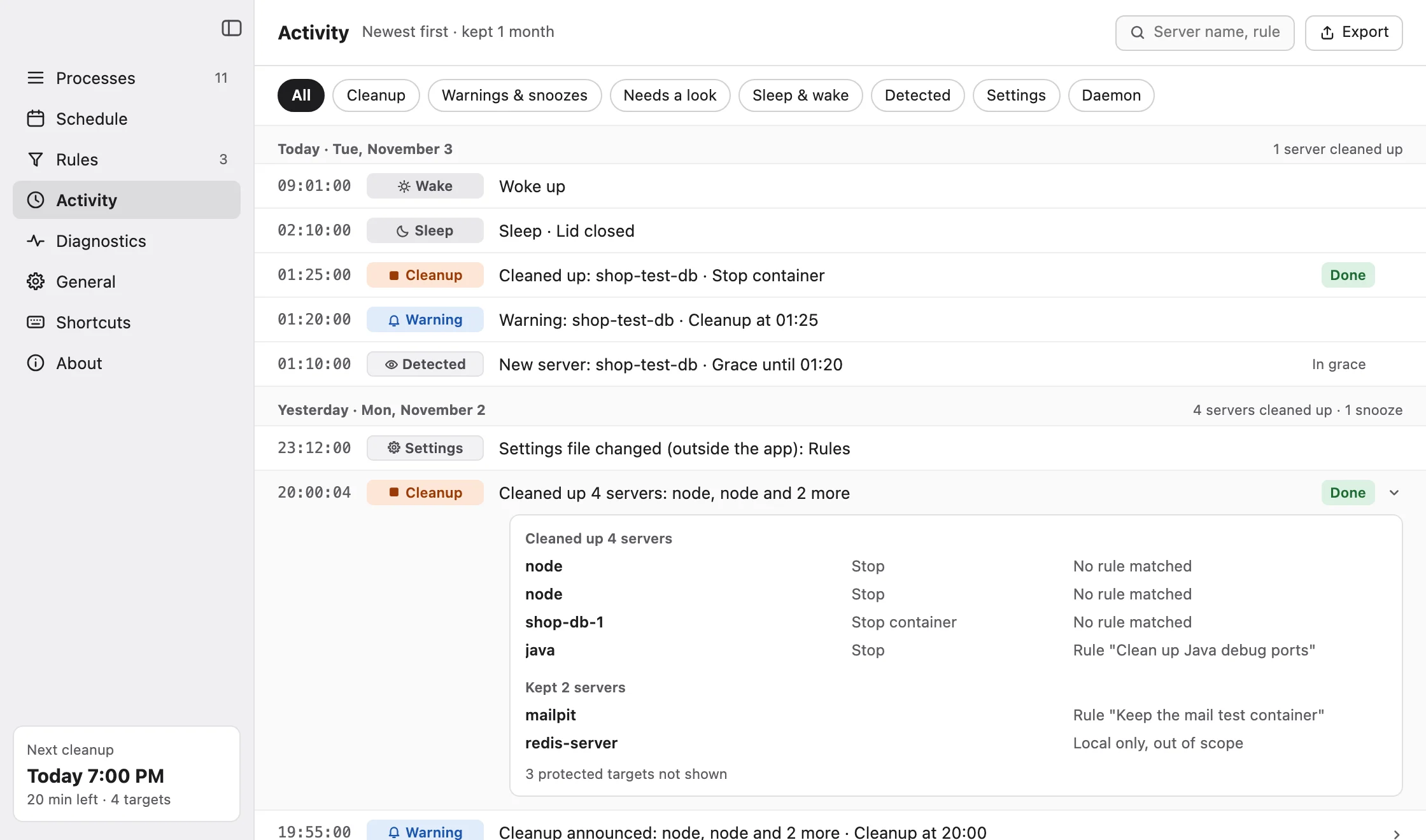
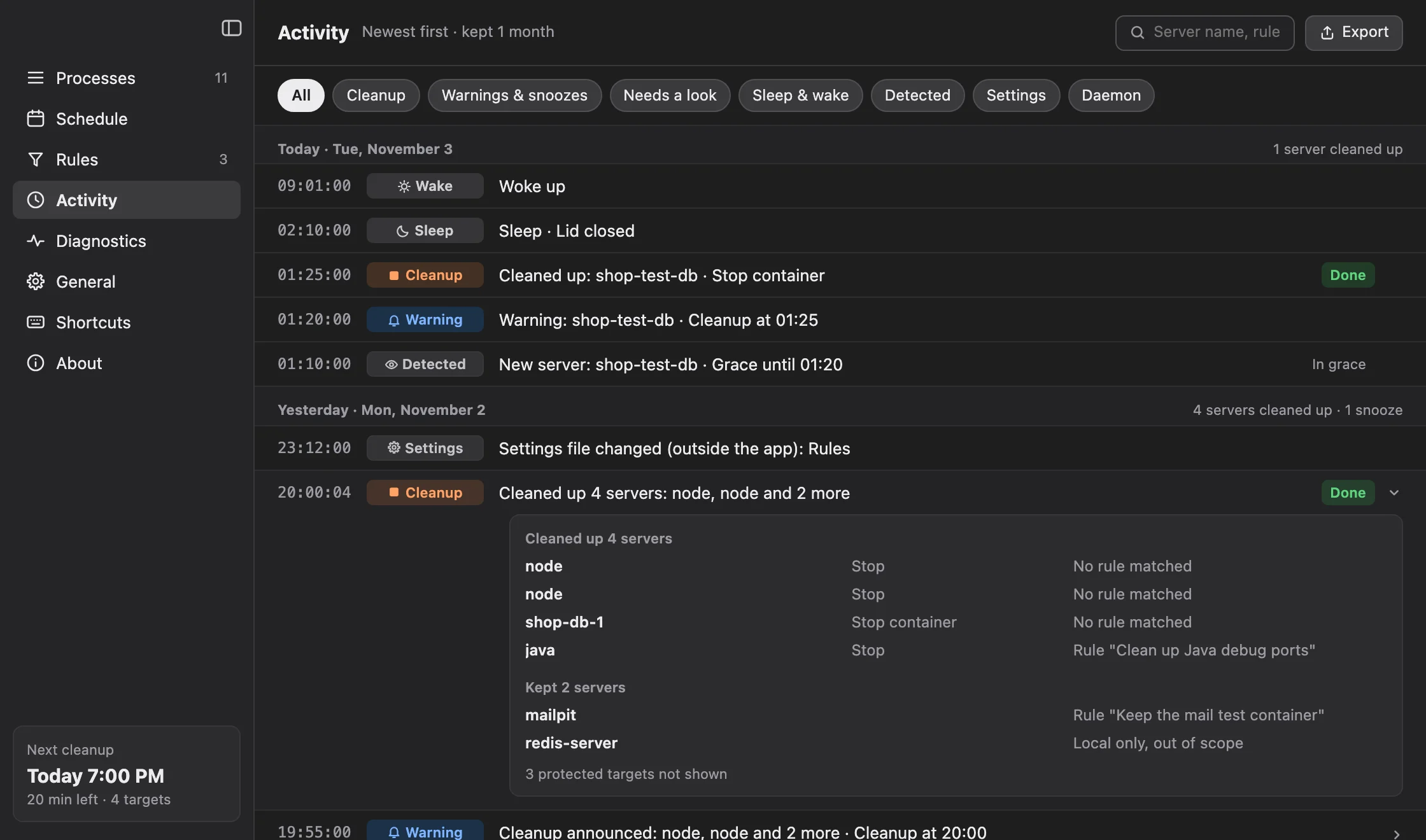
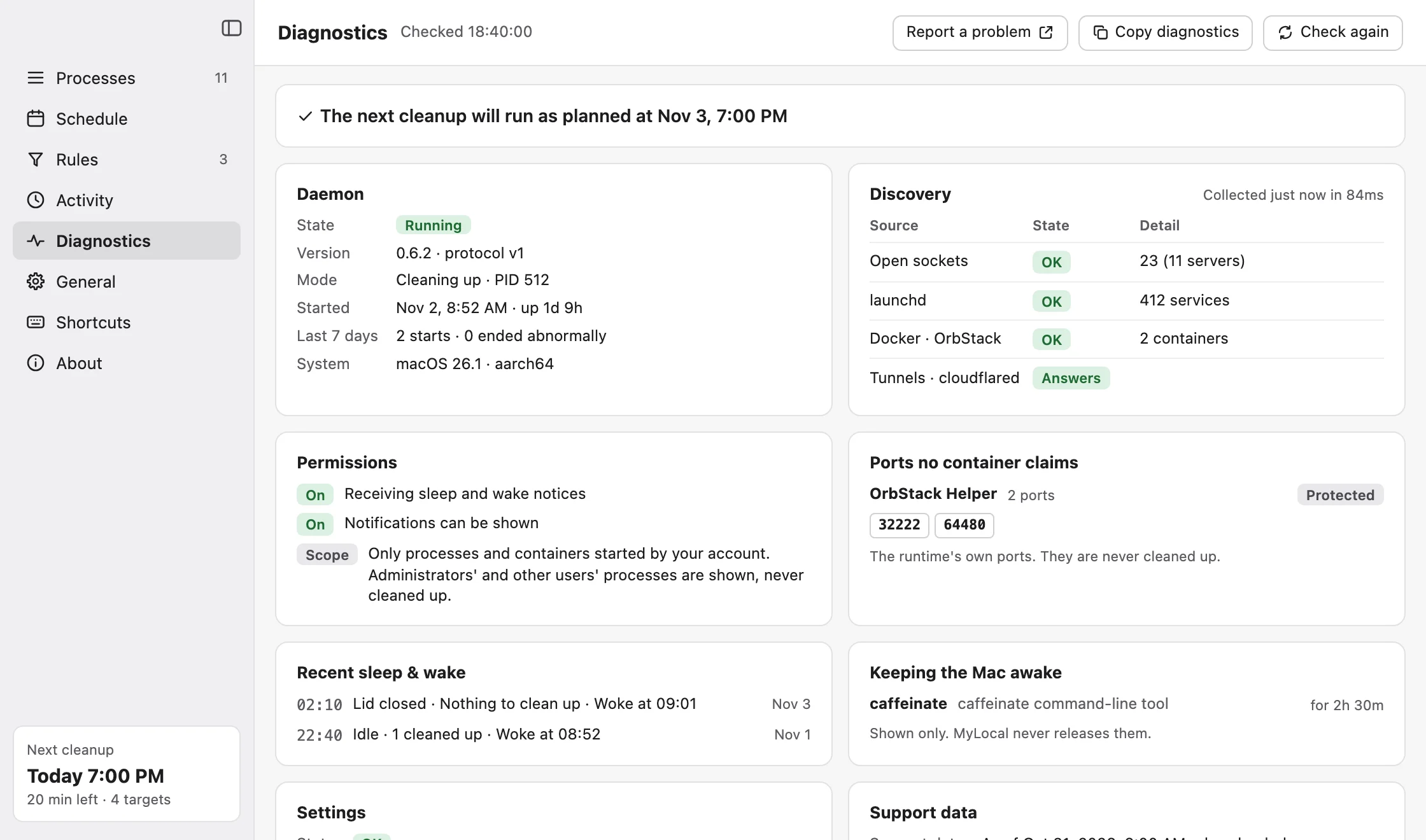
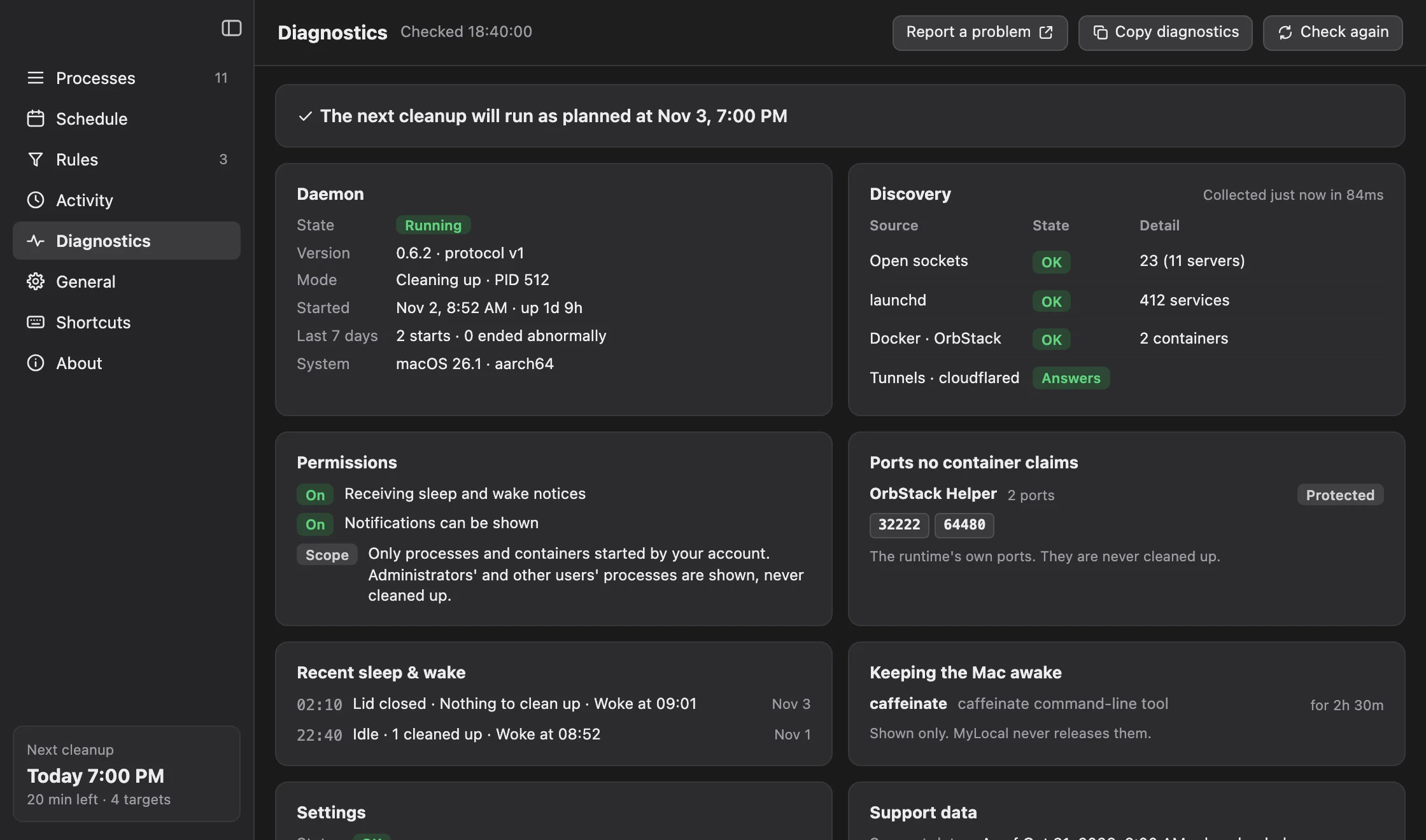
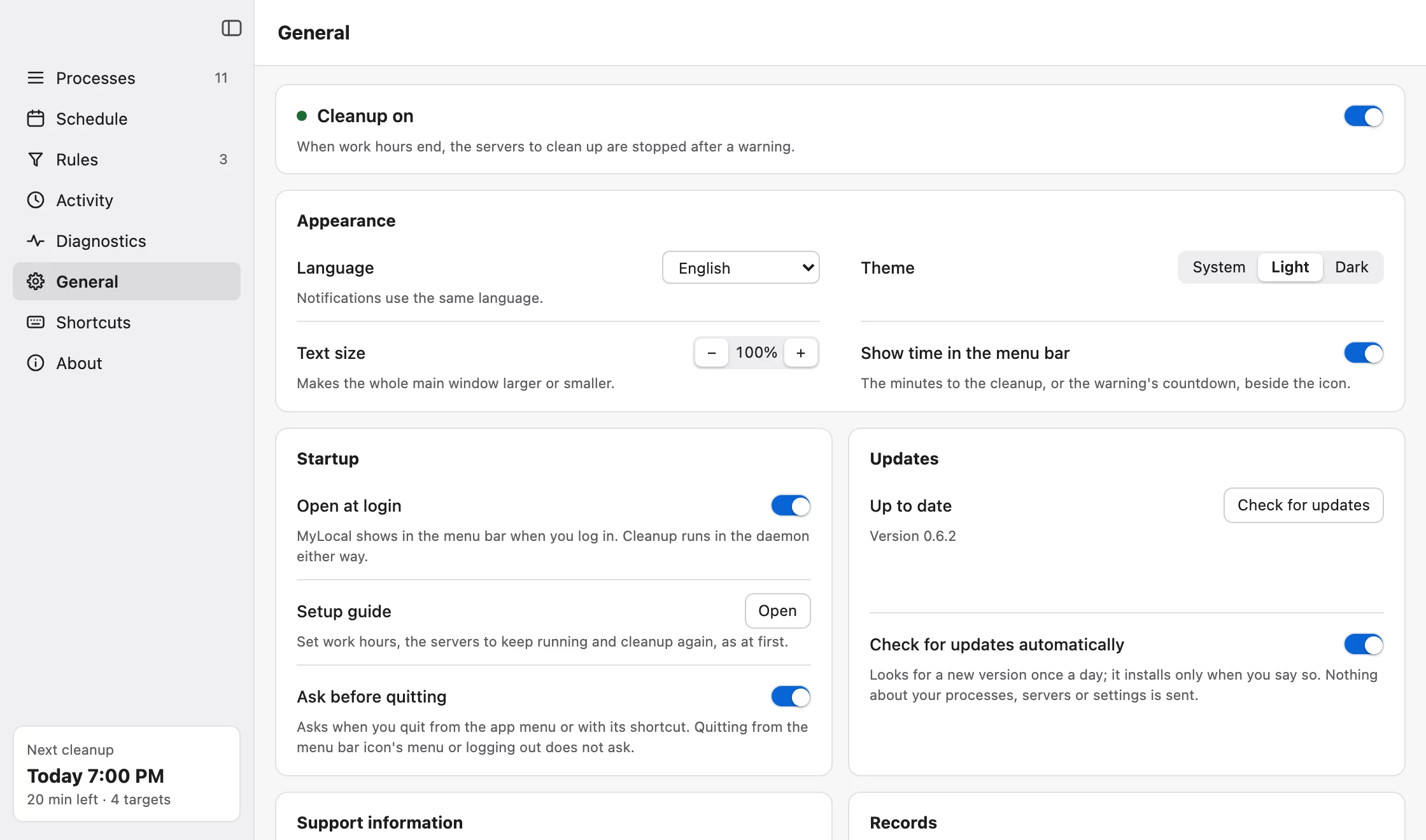
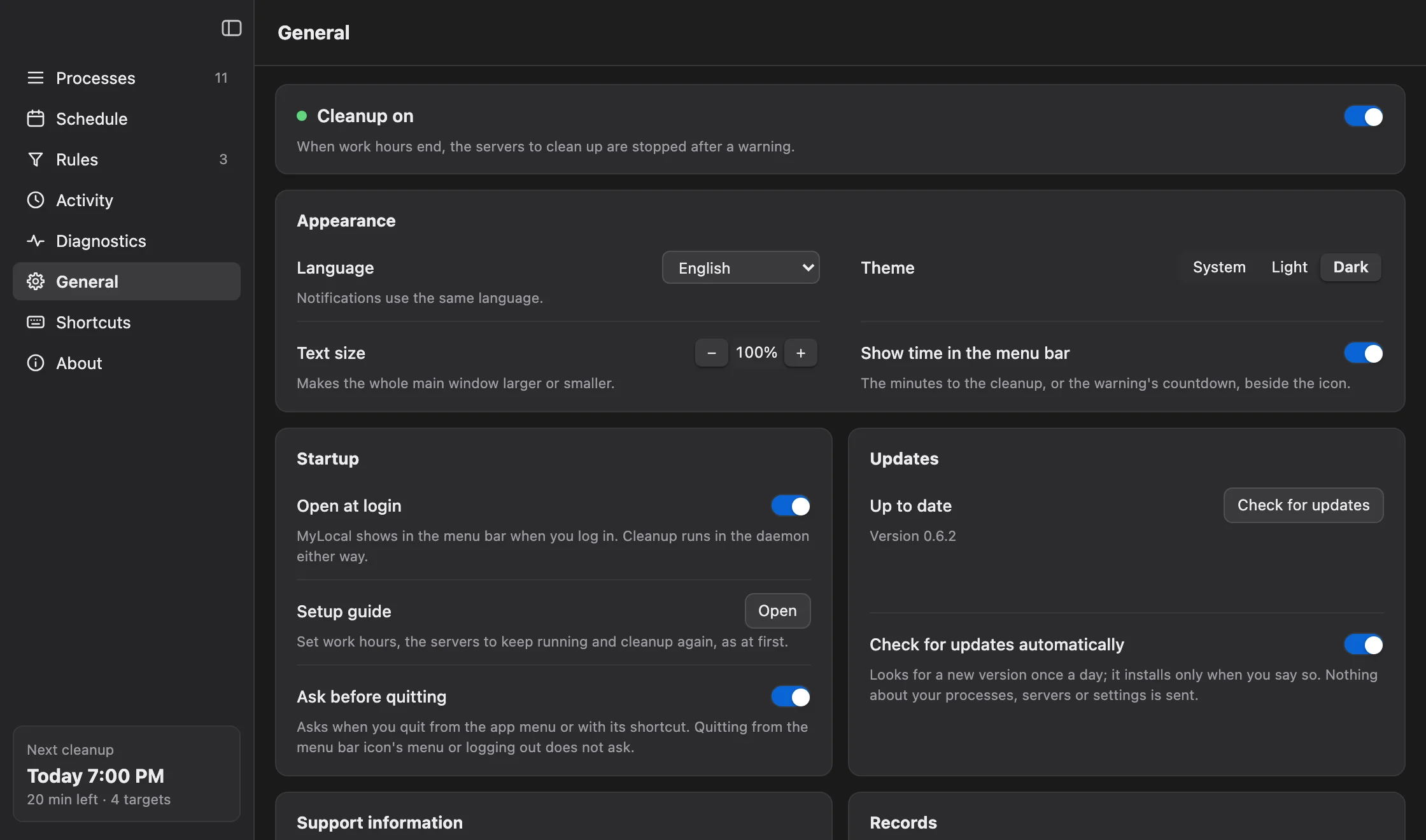
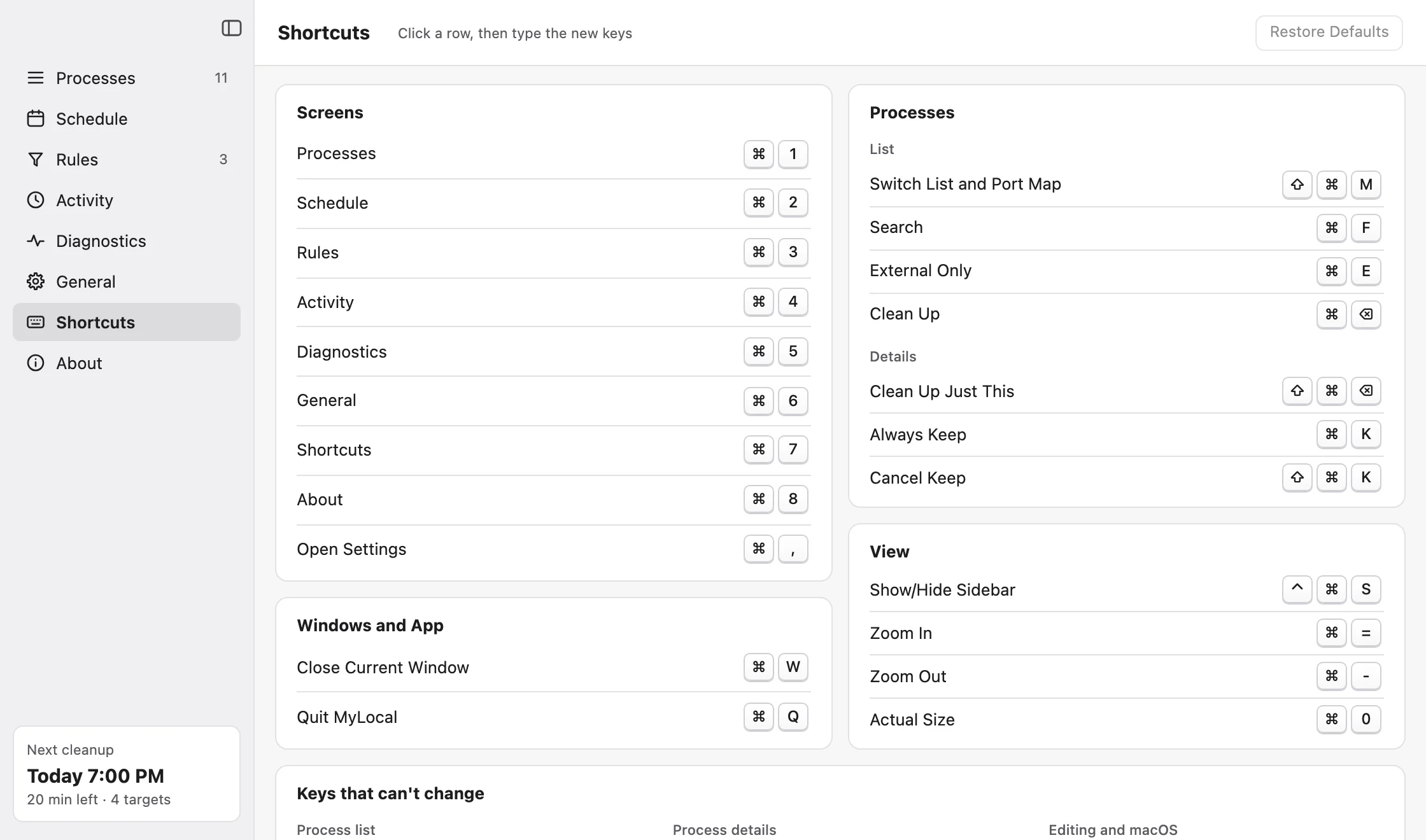
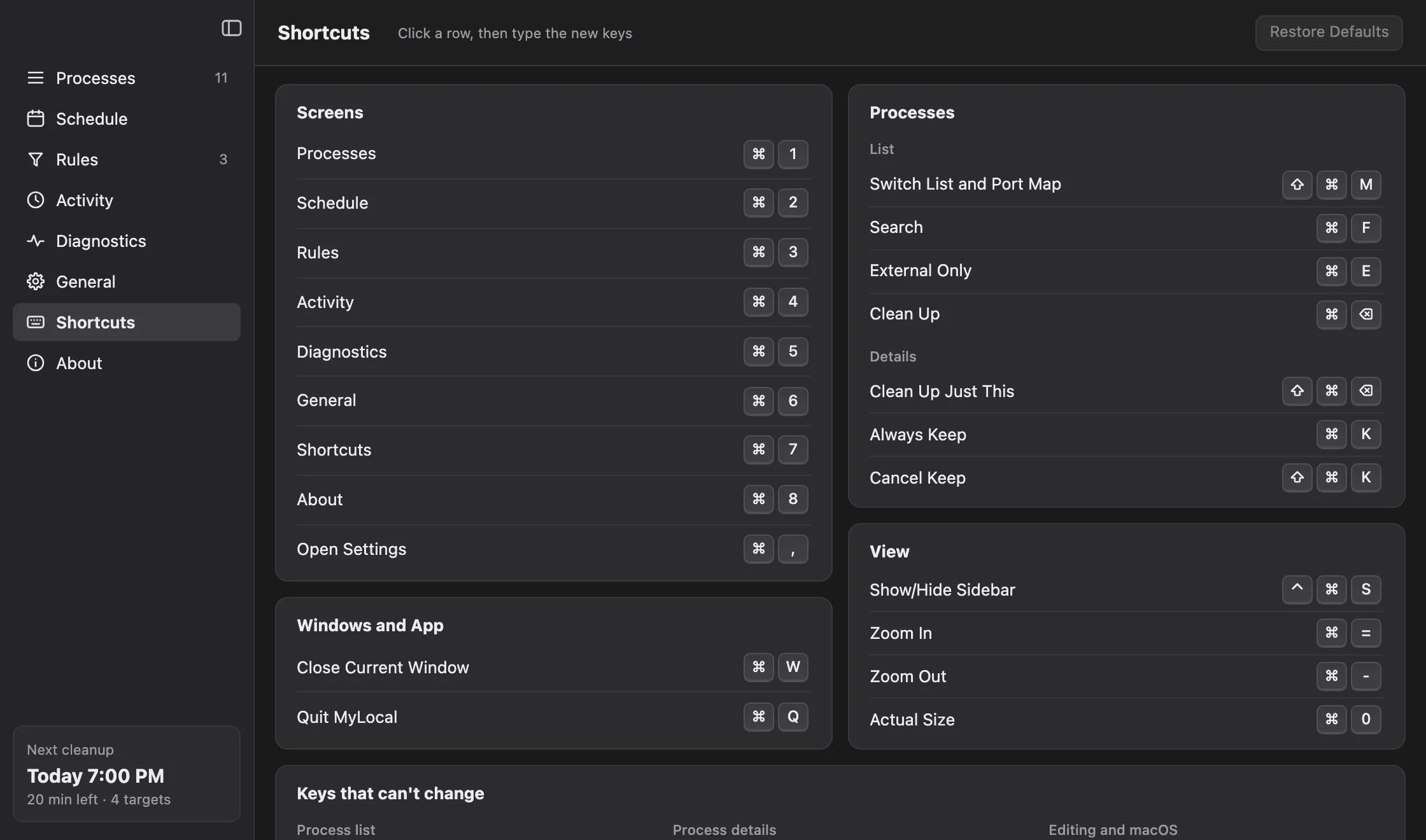
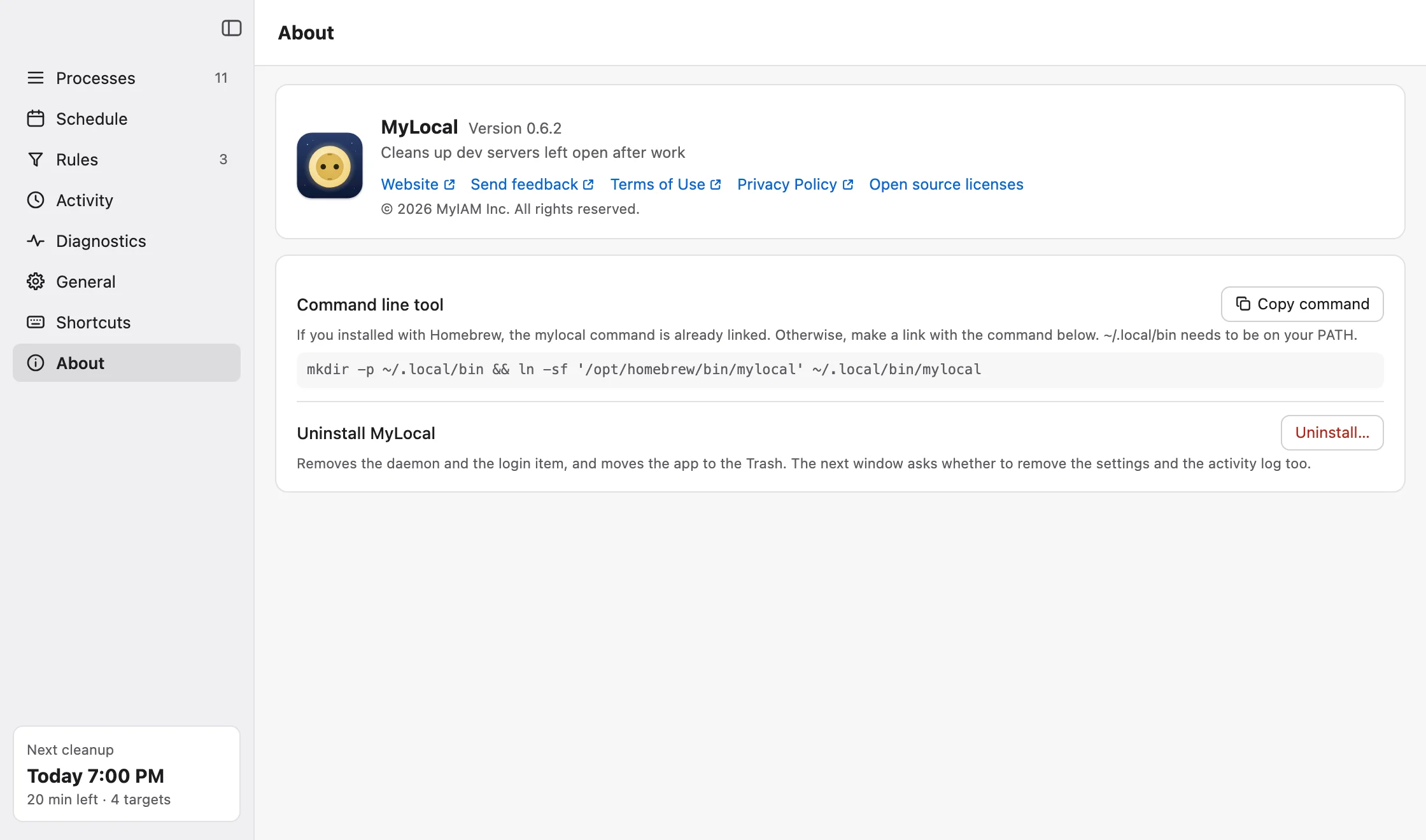
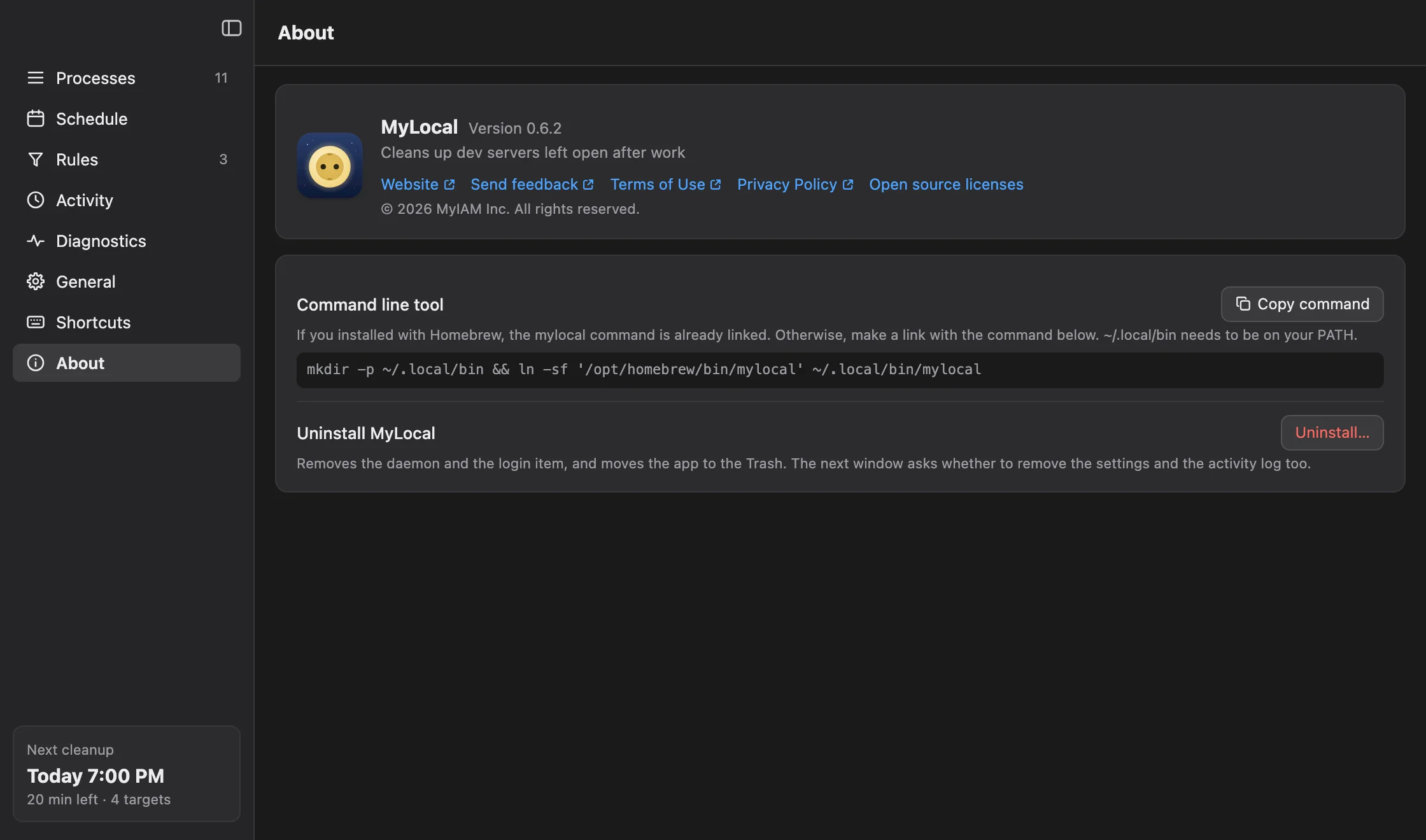
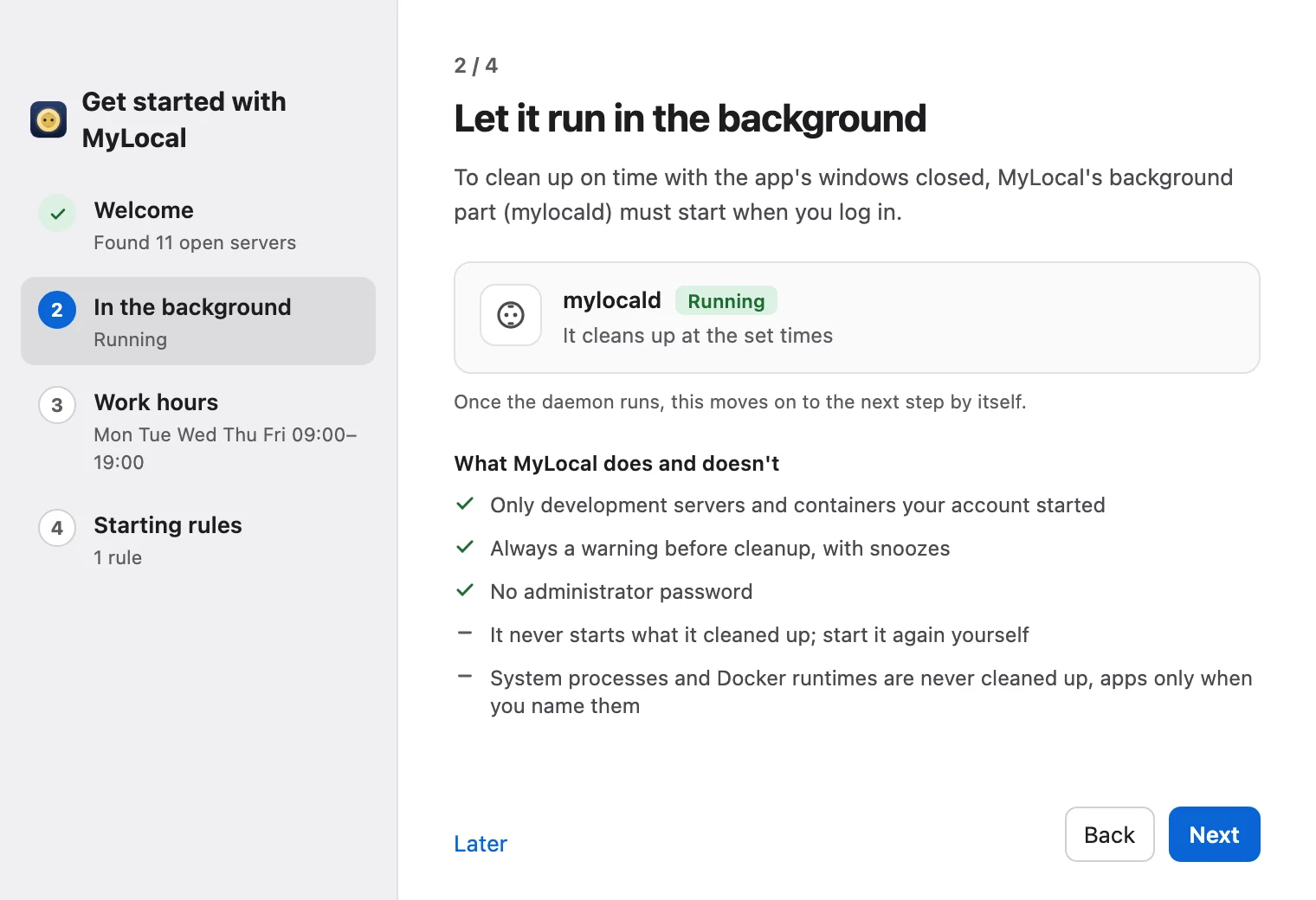
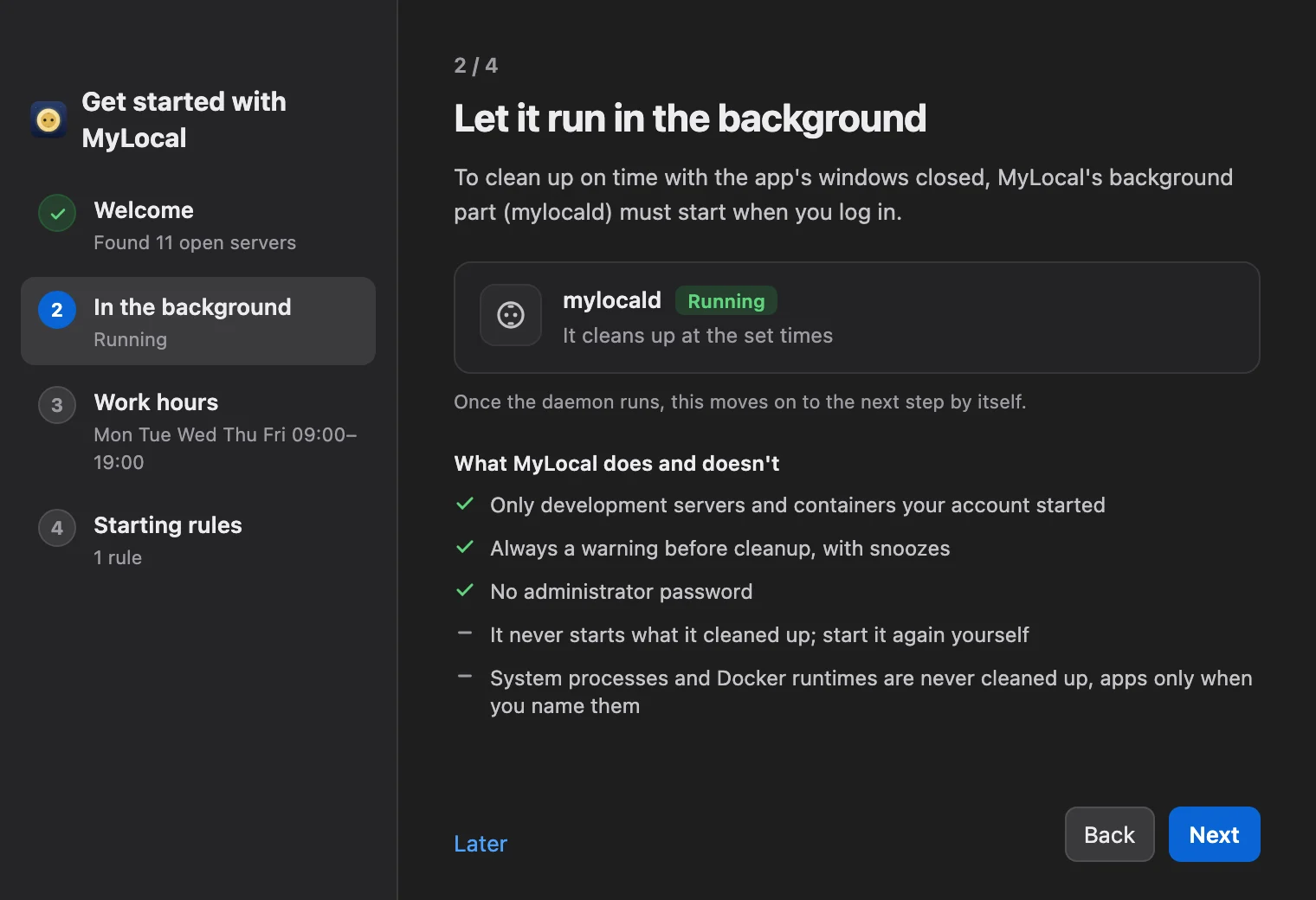
Every open server at a glance
- Clean up, keep, protected
- Ports
- Memory, CPU
- Versions
- Why it stops
- How it started
Tap a screen to see it full size
In your terminal and your AI agent
mylocal- Show
- Edit schedule, rules
- Stop, snooze: only in the app
$ mylocal ls --external --explain # Servers stopped at 19:00 (stop) and an app left alone (protected) ACTION PID NAME EXPOSURE STEP REASON STOPS AS stop 48213 node external 6 no rule matched: default action pid 48213 stop 48390 java external 6 no rule matched: default action pid 48390 protected 636 ControlCenter external 1 protected: system executable -
mylocal ls --explainWhat stops, and whymylocal logActivitymylocal schedule showNext cleanup timemylocal tunnelsTunnels and portsmylocal ls --versionsVersions and advisoriesmylocal rulesKeep rules (--checkto preview)mylocal diagDiagnosticsmylocal schemaEvery command as JSON
Add the skill to your AI coding agent
- Which servers are exposed right now, and why?
mylocal ls --explain --json - Explain the security advisories of the server on 8080
mylocal show :8080 --json - What did MyLocal stop last night?
mylocal log - Keep this project’s servers at night
mylocal rules add --action keep
When you ask an agent, the command’s output (server names, project paths, ports, command lines) may go to that AI service. Secrets are masked.
- Claude Code
claude plugin marketplace add my-locals/mylocal-plugin claude plugin install mylocal@mylocal - OpenAI Codex CLI
codex plugin marketplace add my-locals/mylocal-plugin codex plugin install mylocal - Google Antigravity CLI
agy plugin install https:// github.com/ my-locals/ mylocal-plugin
Questions
Does it clean up if my computer never sleeps?Yes
Yes. MyLocal runs by the clock, asleep or not. During off-hours it looks for new servers every 30 seconds, waits 10 minutes, warns, and stops them 5 minutes later, even if nobody sees the warning.
Is it free?Yes
Yes. The current version is free for personal use and for work, with no contract needed. There is no account or sign-in.
Is there an extensible enterprise version?In the works
A paid, extensible enterprise version that can be adapted to your organization is in the works. It is a separate program from this app, offered under a separate contract. Its release date and features are not decided yet. For questions, write to contact@myiam.io.
Does it start the servers again?No
No. MyLocal never starts a program. Start the servers you need the next day yourself.
What if an overnight agent task needs a server?
Mark that project folder with a "keep" rule. An agent with the MyLocal skill can add the rule when you ask "keep this project’s servers" (mylocal rules add --action keep). If you need it just tonight, snooze from the warning before you leave (up to 2 hours, 3 times).
What about a server that must keep running?
Mark it "keep" in the app’s rules. If you need it just today, snooze from the warning window, or press "Keep today" in the popover.
Does it need root or administrator rights?No
No. It installs, runs and cleans up with your own account’s permissions and never asks for an administrator password. That is also why it never stops programs of other users or root.
Does it find servers opened through a tunnel like ngrok?Yes
Yes. It finds ngrok, cloudflared, localtunnel, ssh -R and Tailscale Serve and Funnel, and shows which port is open and where. Tunnels are not closed automatically; you close them in the app. The system ssh and Tailscale are never closed. Unknown tunnel tools are not found.
Can it tell me about security problems in a server’s version?
It shows the running version, whether it is still supported, and known security advisories. It reads versions without running the server and compares them with downloaded public data on your computer. This is reference information, not a vulnerability scan. No advisory does not mean safe, and with one, the real impact depends on your setup and how you use it. The data comes from endoflife.date, Bitnami vulndb, GitHub Advisory Database, the Go vulnerability database, PyPI Advisory Database and Drupal Advisory Database (these five through OSV), data derived from NIST NVD, CVE (MITRE) and CISA KEV. This product uses data from the NVD but is not endorsed or certified by the NVD. The license of each source is in the app under About > Open source licenses, and at the link at the bottom of this page.
What does the app send?Nothing
Nothing. The app has no usage statistics or crash reports. It only downloads the update information from GitHub once a day, and the support and security advisory files when there is new data (checked once an hour); which programs you use is never sent. You can turn this off in General. If you add the skill to an AI agent and ask it, the command’s output may go to that AI service; that is decided by how you use the agent, not by the app. Separately from the app, the website counts visits with Google Analytics (section 6 of the privacy policy).
How do I uninstall it?
In the app, go to Uninstall MyLocal on the About screen and choose Uninstall…. If you installed with Homebrew, run brew uninstall --cask mylocal.
Install on your Mac
- Download
- Open it
- Start cleanup
Free · Apple silicon · macOS 13 or later
Windows version in the works
Install with Homebrew
- Install the appThe app updates itself
brew tap my-locals/mylocal brew trust --tap my-locals/mylocal brew install --cask mylocal